
AI Gender Swap Filter
Instantly swap gender in any photo with our free AI gender swap filter. Upload a single image and watch a stunning transformation video — see yourself as male or female with realistic facial features, hair, and expressions. Perfect for fun, social media content, and creative exploration.
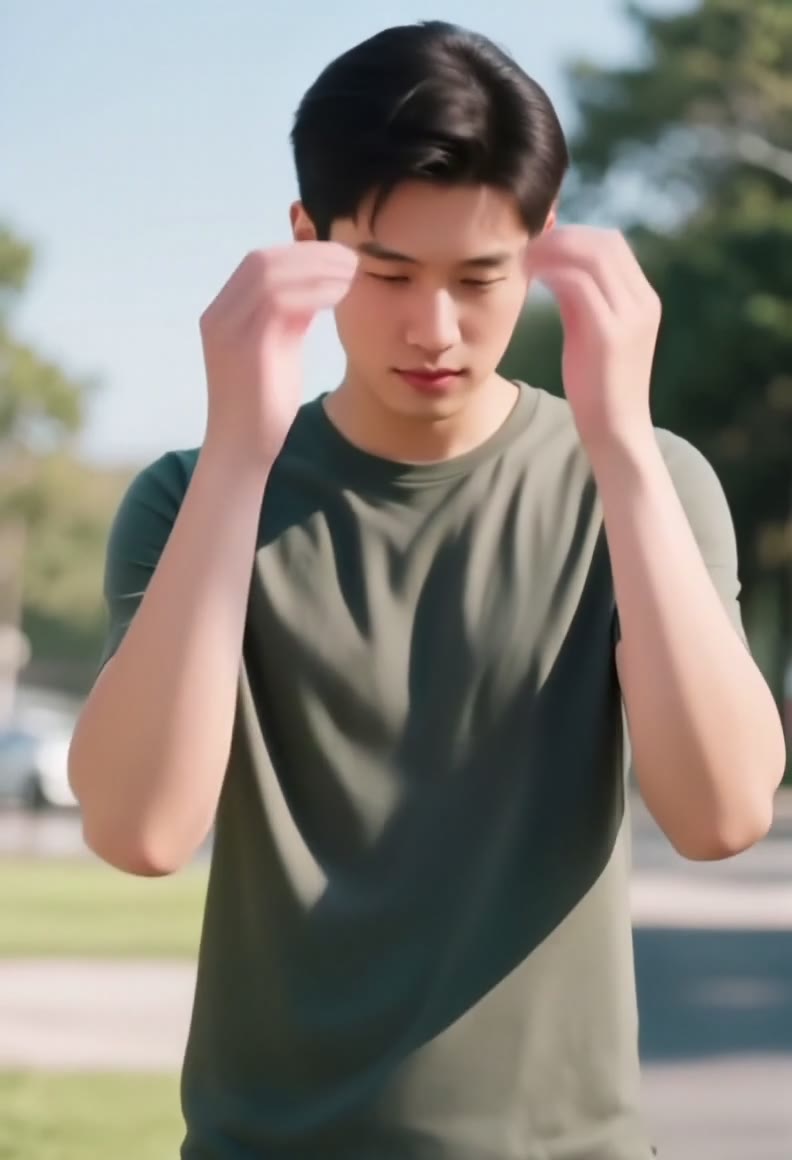 TAKE 02TAKE 03
Recent Gender Swap Videos
AI gender swap video generation typically takes 30-60 seconds with realistic transformations.
AI Gender Swap Video Generator
Drag image here, click to browse, or paste from clipboard
Max size: 5MB
Recent Gender Swap Videos
See what you can create - Sign in to start generating your own videos
How to Use the AI Gender Swap Filter
- 01
Upload Your Photo
Upload a clear, front-facing photo. The AI gender swap filter works best with well-lit portraits showing clear facial features.
- 02
Generate Gender Swap Video
Click generate and watch the AI transform your photo into an opposite-gender version with realistic facial features, hair, and expressions in a smooth video transition.
- 03
Download & Share
Download your AI gender swap video and share it on TikTok, Instagram, Snapchat, or any social platform. Perfect for viral content and fun challenges.
Gender Swap AI FAQ
Q01What is AI gender swap?
Q02Is the gender swap filter free to use?
Q03What photos work best with the gender swap AI?
Q04How realistic is the AI gender swap?
Q05Can I use gender swap videos commercially?
More effects to try

Try AI Gender Swap Now
Join millions using our AI gender swap filter to create viral transformation videos. See yourself as the opposite gender with realistic AI — it only takes seconds.
No watermark. Commercial use allowed.