
Video to GIF Converter
Convert any video to a crisp, shareable GIF in seconds — free and online. Drop in an MP4, MOV, WebM or MKV clip, set the frame rate, size and the exact part you want, and download an HD GIF. Everything runs locally in your browser, so there is no upload and no watermark.
Drop a video here or click to upload
MP4, MOV, WebM or MKV — up to 200MB. Converted locally in your browser.
Video to GIF Examples
Every clip below was turned into a looping GIF with this converter — including videos made with our own AI effects. Drop in your own video to get the same crisp, watermark-free GIF.
 Video
Video GIF
GIF Video
Video GIF
GIF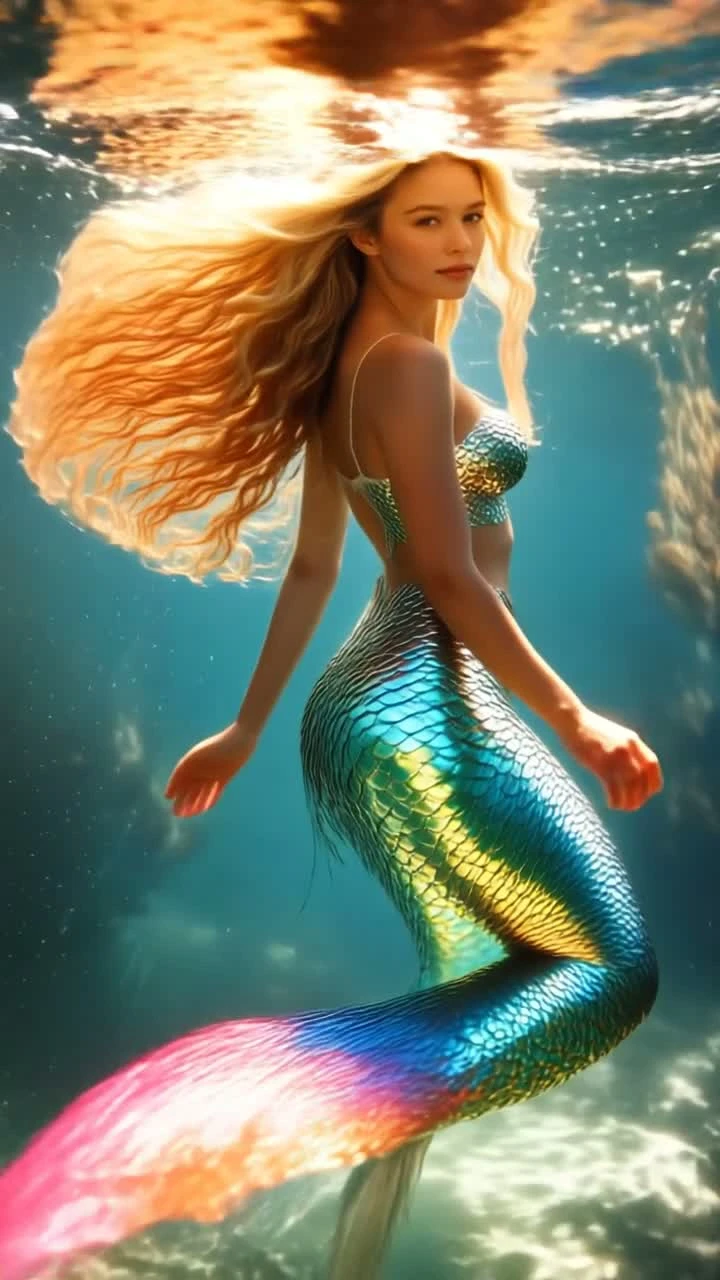 Video
Video GIF
GIFA Video to GIF Converter Built for Quality
Most online converters shrink your clip and stamp it with a watermark. This one keeps it sharp, private and free — with real control over the final GIF.
Crisp, HD GIFs
Export up to 1280px wide with lanczos scaling, so your video to GIF result stays sharp instead of blocky. Dial the size down anytime for a smaller, chat-friendly file.
Trim to the Exact Moment
Set a start time and length to grab just the seconds you want. It's the fastest way to cut a reaction GIF or a single loop out of a longer video.
Full FPS & Size Control
Choose a frame rate from 1 to 30 and the output width to balance smoothness against file size — smooth HD GIF for showcases, tiny GIF for messaging.
Every Common Format
Convert MP4 to GIF, MOV to GIF, WebM to GIF or MKV to GIF in the same tool. Drag in whatever your phone or screen recorder produced.
100% Private, In Your Browser
Your video never leaves your device. The conversion runs locally with in-page ffmpeg, so there's no upload, no queue and nothing stored on a server.
Free with No Watermark
Convert as many videos to GIFs as you want — no signup, no credits and no watermark stamped across your GIF.
HOW TO
How to Convert Video to GIF
Upload Your Video
Drag and drop an MP4, MOV, WebM or MKV clip, or click to select one. The whole conversion happens in your browser — your video is never uploaded to a server.
Set FPS, Size and Trim
Choose the frame rate and width for the GIF, and set a start time and length to grab just the part you want. Higher settings give a smoother, HD GIF; lower ones keep the file small.
Convert and Download
Hit convert and the browser turns your clip into an animated GIF in seconds. Preview it, then download your GIF — free, with no watermark.
What People Use the Video to GIF Converter For
A GIF autoplays, loops and drops into a chat where a video won't. Here's where turning a video into a GIF pays off.
Clip the perfect half-second from a video and loop it into a reaction GIF for group chats, comments and replies.
GIFs autoplay silently on X, Reddit, Discord, Slack and WhatsApp — perfect where an uploaded video would just sit there as a link.
Turn a screen recording into a lightweight GIF that shows a feature or click-through at a glance, right inside a README or landing page.
Loop a single step as a GIF so readers see the action repeat without pressing play — ideal for docs and support articles.
Cut a funny second out of any clip and share it as an MP4-to-GIF meme that plays instantly everywhere.
Export an AI-animated photo clip as a GIF to preview your creation or embed it where video isn't supported.
FAQ
Video to GIF Converter FAQ
More Free Tools to Bring Photos to Life
AI GIF Generator
Turn a photo or a prompt into a looping GIF — export free, no watermark
GIF Background Remover
Make any GIF transparent — free, in your browser
Video Effects
Turn a photo into a hug, dance or wedding video with one-tap AI effects.
Animate Photo AI
Animate any still photo into a smooth AI video in seconds.
Bring Your Photos to Life
Loved the free video to GIF converter? Turn a single photo into a moving video with AI, then export it however you like.
Free GIF tool • No watermark • Runs in your browser