
AI Mermaid Filter
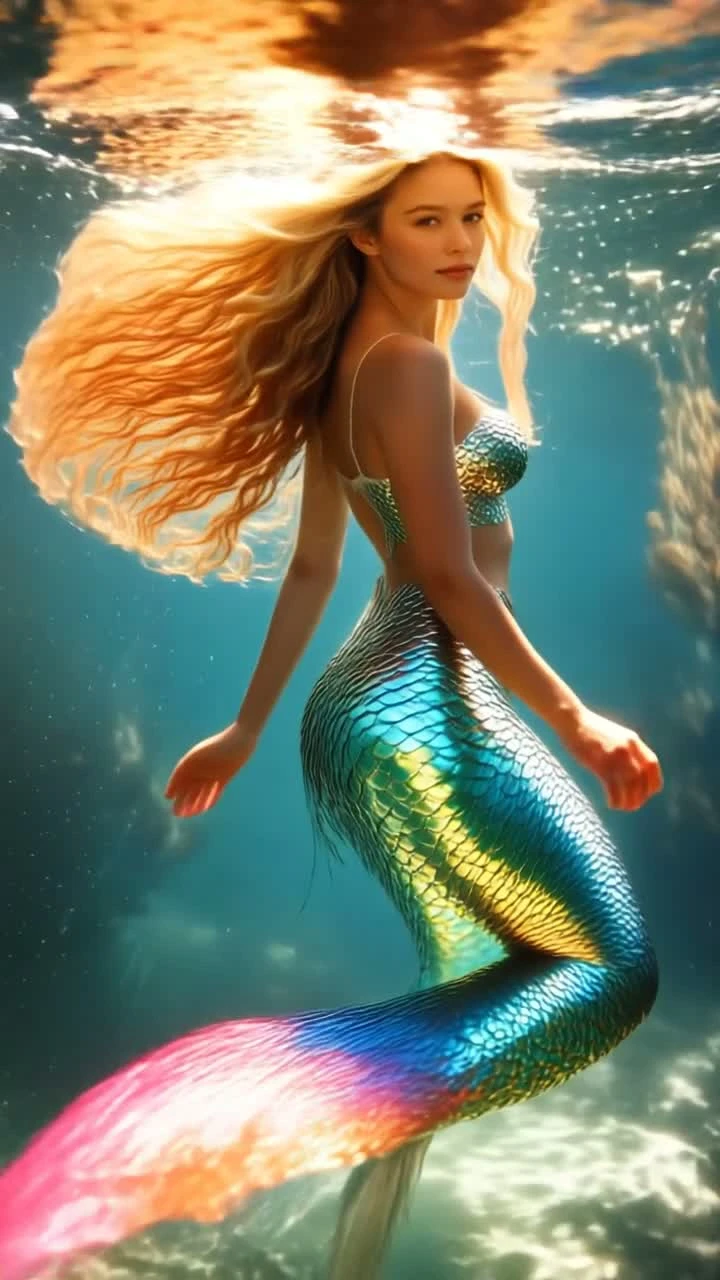
The AI mermaid filter turns your photo into a magical underwater mermaid video in seconds. Upload a full-body photo and the AI grows a shimmering, iridescent mermaid tail and dives you into a sunlit ocean scene. For the best mermaid transformation, use a clear head-to-toe photo — the more of your body in frame, the better the tail. Perfect for going viral on TikTok, Reels and Instagram.
 TAKE 02TAKE 03
Recent AI Mermaid Videos
The AI mermaid filter usually finishes in under a minute and returns a short underwater clip.
AI Mermaid Filter
Drag image here, click to browse, or paste from clipboard
Max size: 5MB
Recent AI Mermaid Videos
See what you can create - Sign in to start generating your own videos
How to Use the AI Mermaid Filter
- 01
Upload a Full-Body Photo
Upload one clear, full-body photo (head to toe). The AI mermaid filter needs to see your legs to grow a realistic mermaid tail, so a standing full-length shot works best.
- 02
Generate the Mermaid Video
Click generate and the AI mermaid filter transforms your lower body into a shimmering mermaid tail and animates you swimming in a sunlit underwater scene.
- 03
Download & Share
Your mermaid video is ready in under a minute — download it and share the AI mermaid transformation on TikTok, Reels and Instagram.
AI Mermaid Filter FAQ
Q01What does the AI Mermaid Filter do?
Q02Why should I upload a full-body photo?
Q03Is the AI mermaid filter free?
Q04How long does it take?
Q05Is my photo private and safe?
More effects to try
Try the AI Mermaid Filter Now
Upload a full-body photo and turn yourself into a magical underwater mermaid in under a minute with the AI mermaid filter.
No watermark. Commercial use allowed.