
AI Photo Effects
One-click AI styles that turn your photos into Ghibli scenes, Pixar characters, and anime art. Powered by the same image model behind today's viral style trends, with strong likeness and rich, on-style detail.
Pick a photo effect
 Hot
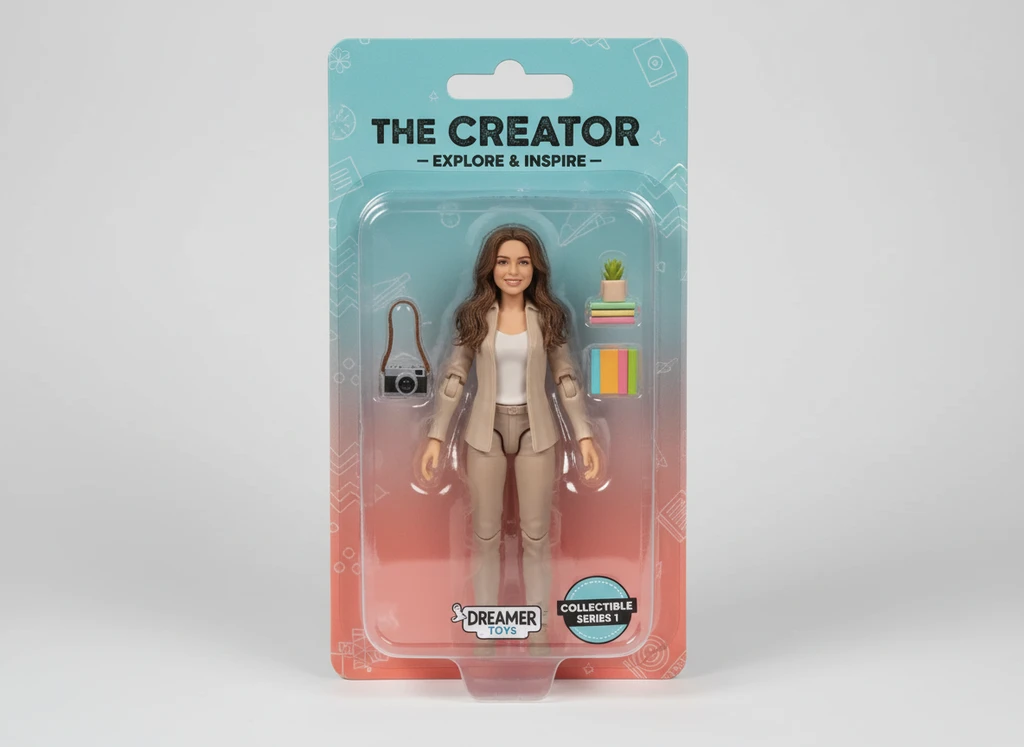
HotAI Action Figure Generator
Turn any photo into a boxed collectible action figure in seconds.
 Hot
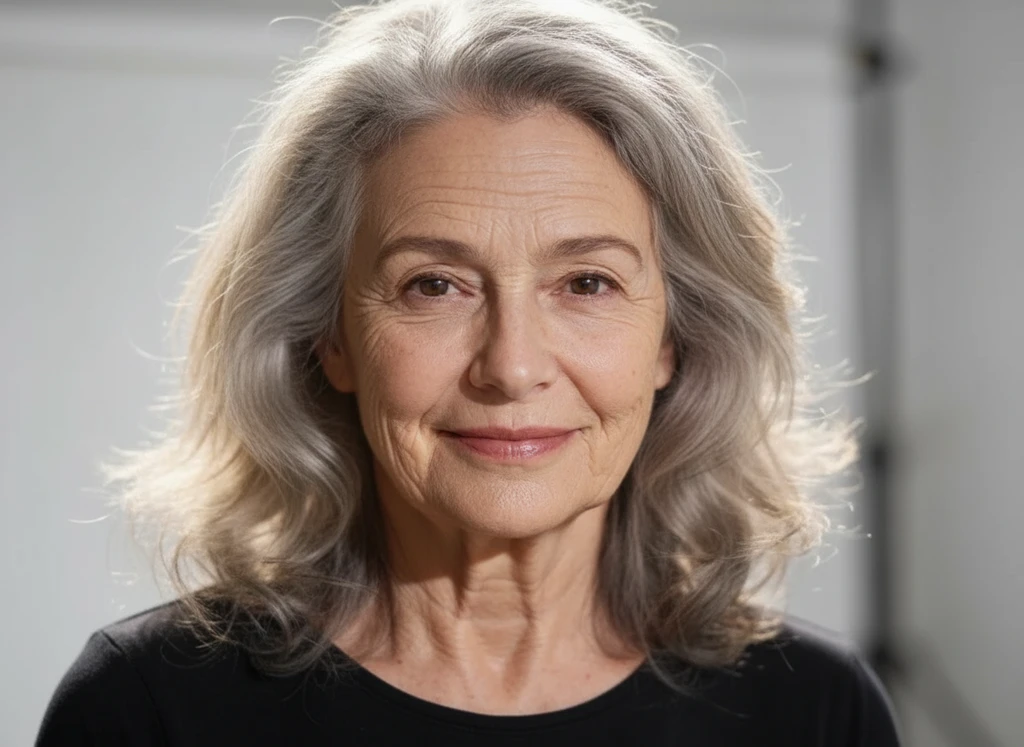
HotAI Aging Filter
See yourself decades older — turn any selfie into a realistic old-age photo.
 Hot
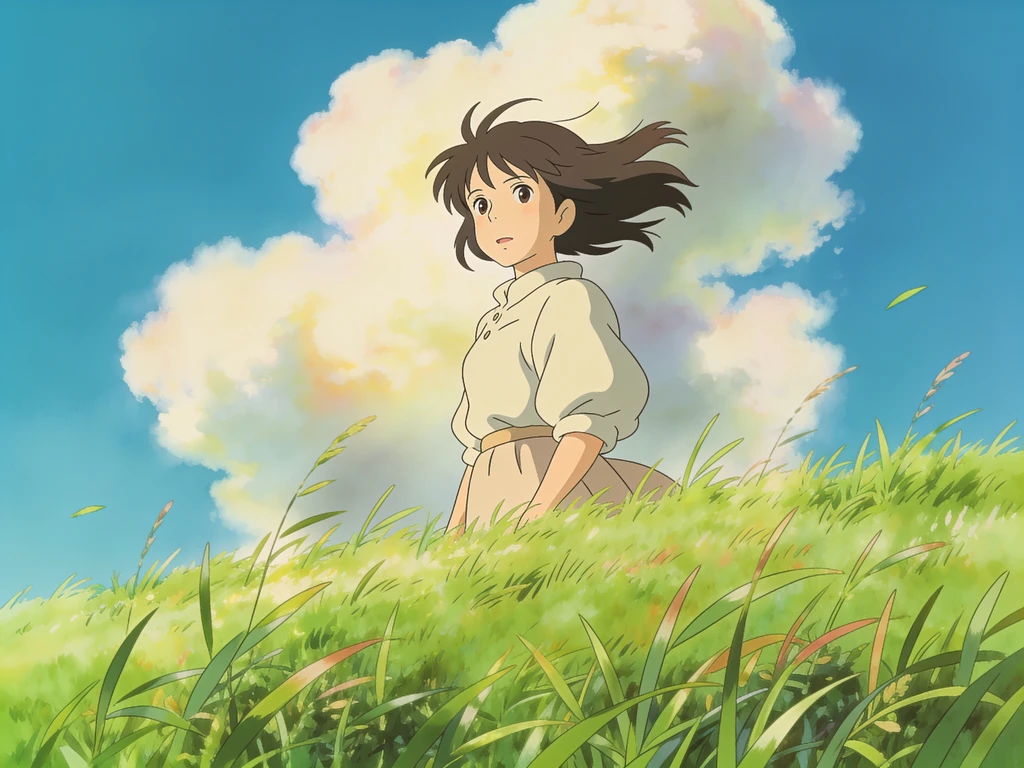
HotGhibli AI Filter
Turn any photo into dreamy Studio Ghibli anime art in seconds.
 Hot
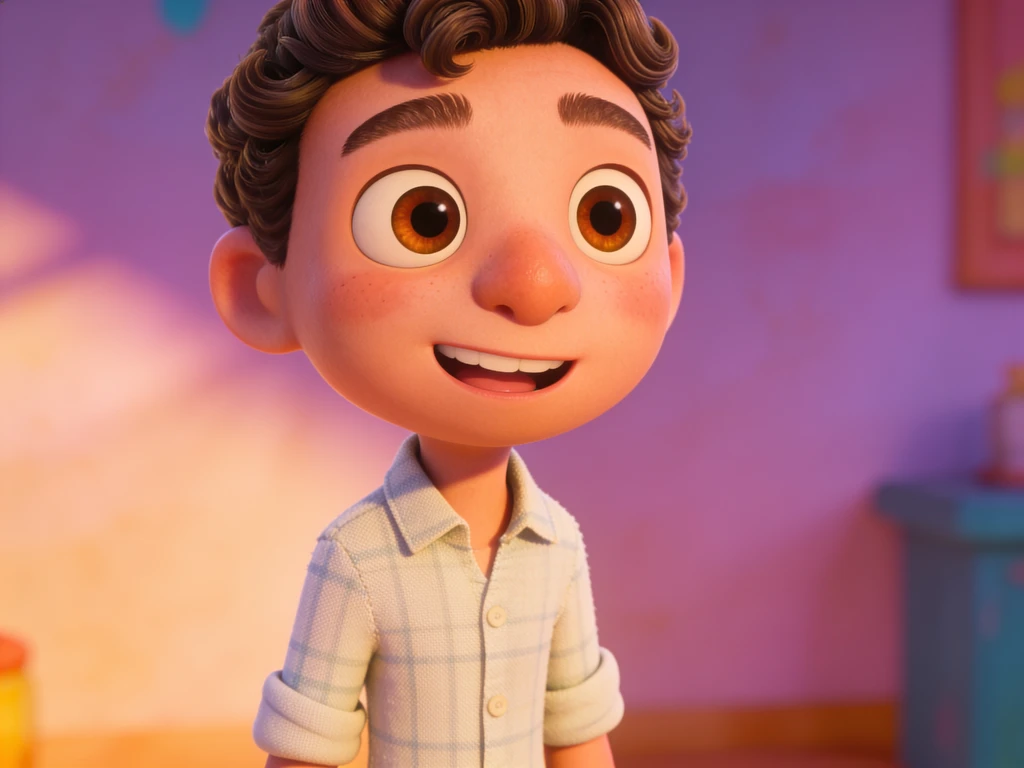
HotPixar AI Generator
Become a Pixar-style 3D animated character from a single selfie.
 New
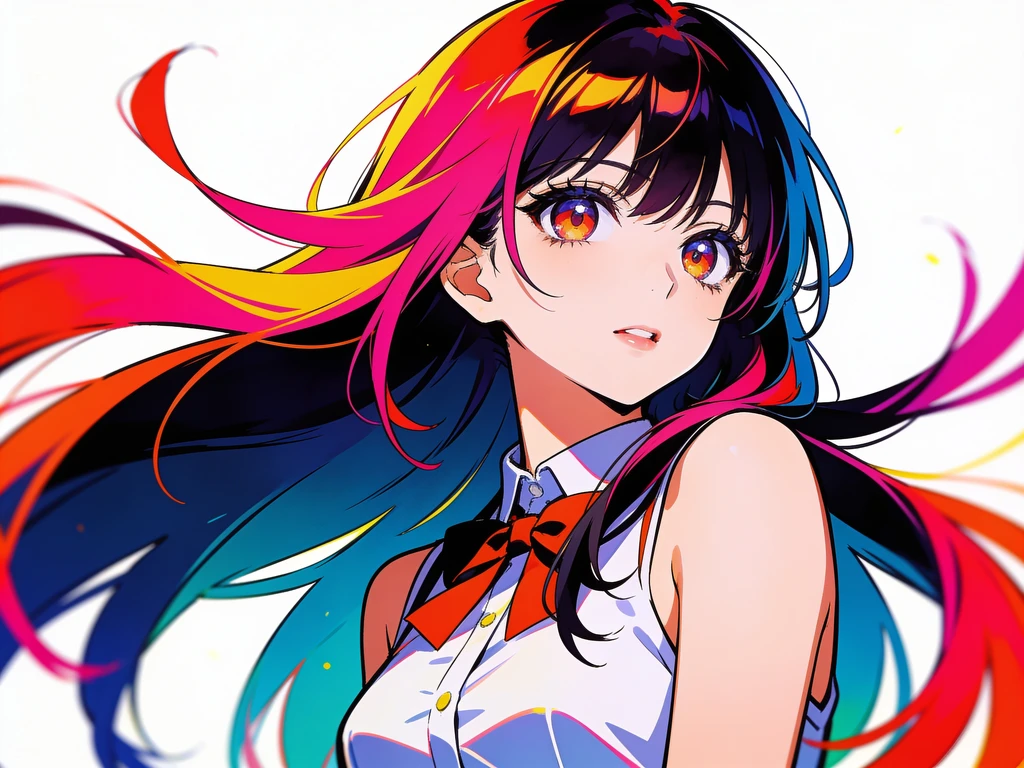
NewAnime AI Filter
Transform your photo into vibrant Japanese anime art instantly.
 Hot
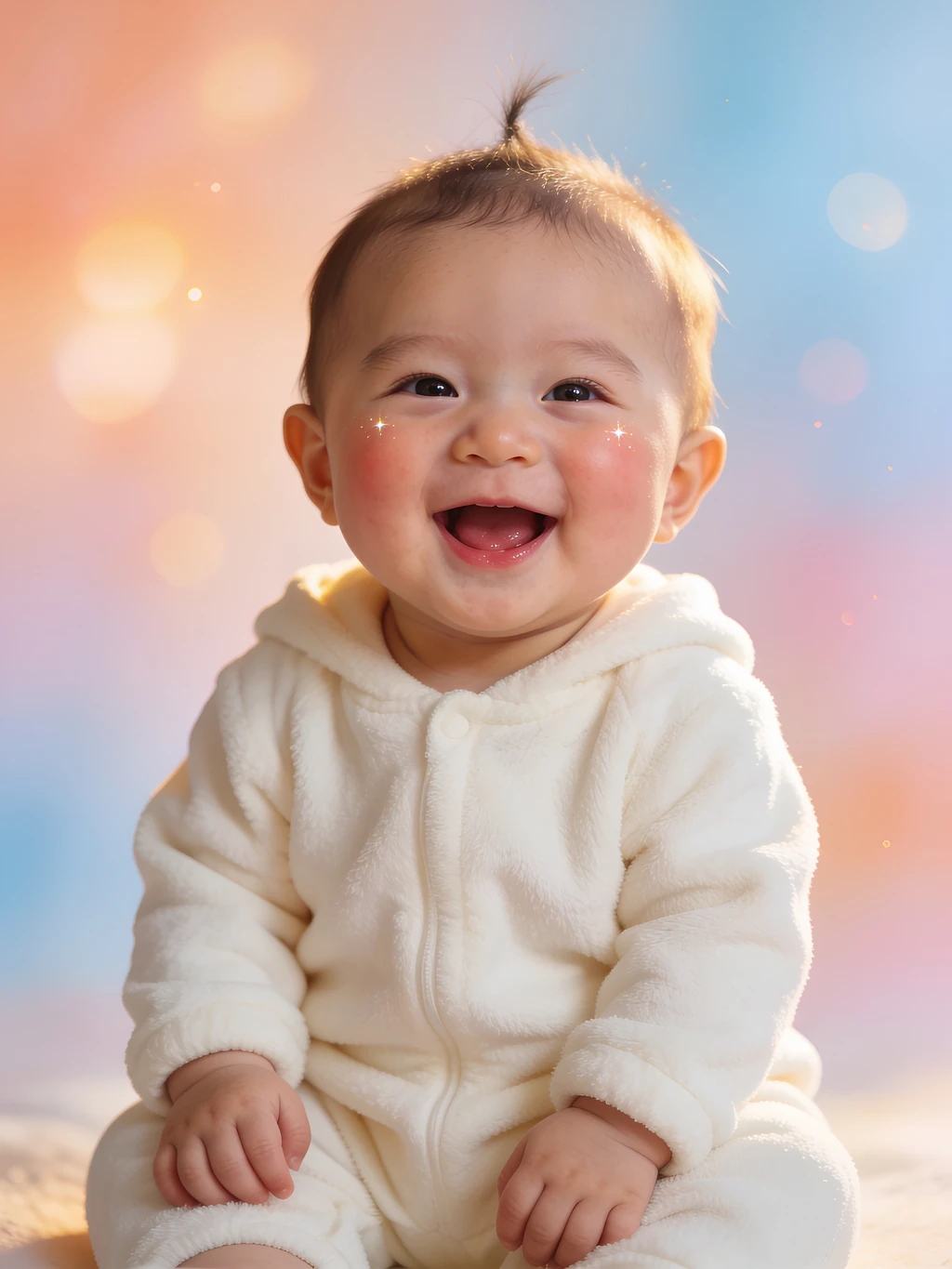
HotAI Baby Generator
Upload two parent photos and see what your future baby could look like.
 New
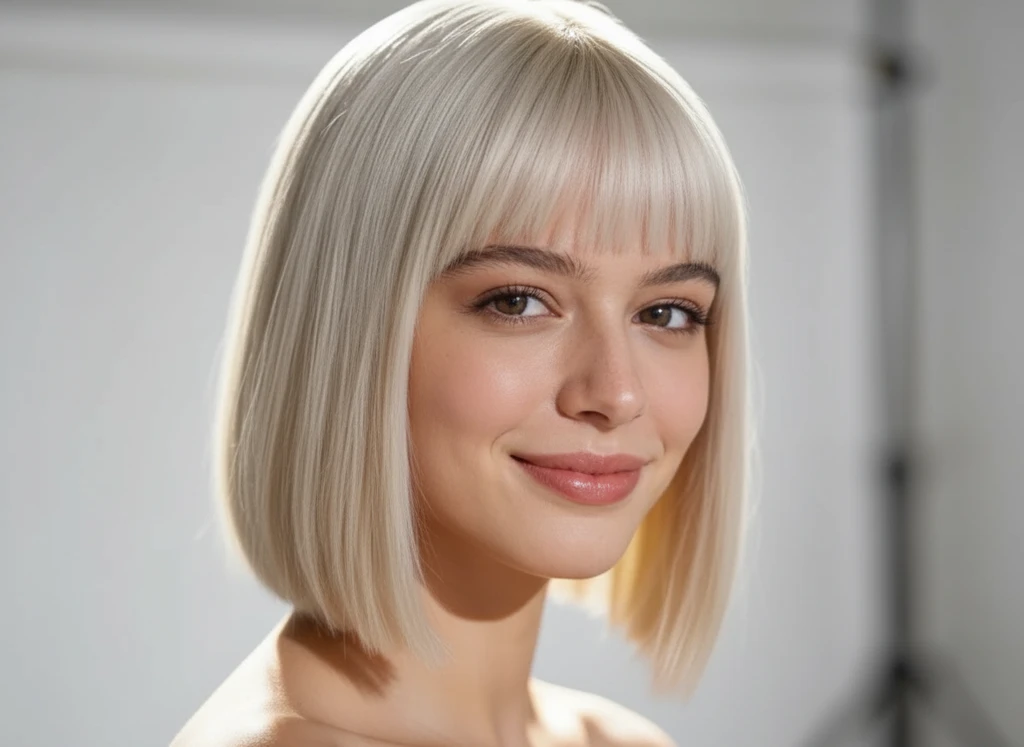
NewAI Hairstyle Changer
Try on any hairstyle in seconds — upload a selfie and switch cuts, curls and colors.
How to use AI photo effects
- 01
Upload your photo
Drop in a clear, front-facing photo with good lighting. JPG, PNG or WebP up to 5MB works best.
- 02
Choose a style
Pick Ghibli, Pixar, or anime. Each effect uses a tuned prompt and model, so there's nothing to configure.
- 03
Generate & download
Hit Generate and your stylized image appears in seconds. Download it or create another variation.
AI photo effects FAQ
Q01What are AI photo effects?
Q02Are AI photo effects free?
Q03Will my face still look like me?
Q04What photo works best?
Q05Can I use the results commercially?
Turn your photo into art now
Upload a photo and watch AI restyle it into Ghibli, Pixar, or anime in seconds.
No design skills needed — results in seconds.