
AI-Generated Videos
Most AI video models output silent clips. Run them through here and post with sound — ambience and foley that match the motion, no editor needed.
The AI video sound effects generator. Upload a silent video, optionally describe the sound, and get it back with perfectly synced audio — footsteps, ambience, foley — merged and ready to post.
Please login to view videos
Every clip below started silent and was rendered by this tool's Premium tier — nothing hand-edited. Tap a card to hear it. The caption shows the exact prompt we used, or that we used none.
The same silent clip and the same prompt, rendered once by each tier. Listen to both — the difference is why Premium is the default, and why Standard is still worth it for quick drafts.
Prompt “heavy rain on a city street, footsteps on wet pavement, distant traffic”
Prompt “horse galloping on dry ground, hooves, breathing, wind”
The model watches every frame — where the feet land, when the wave breaks, how far the traffic is — and generates audio timed to that motion. Leave the prompt empty and it reads the scene itself, or type a few words to steer the mood, the material, the weather.
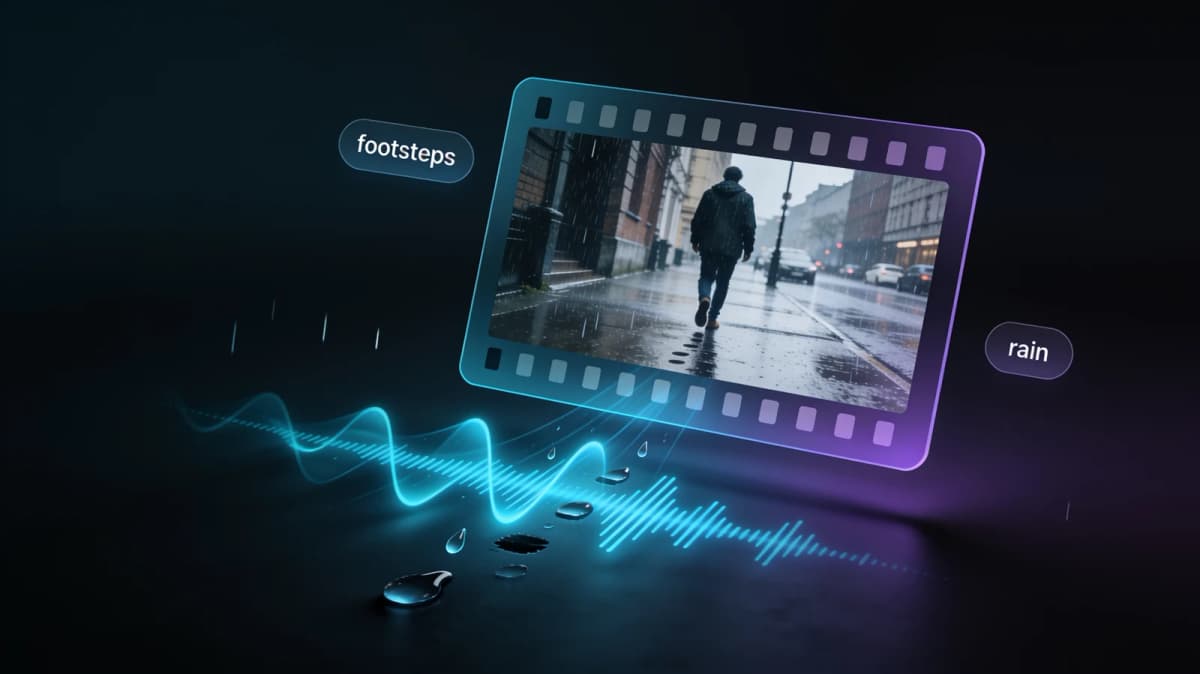

Most AI video-to-audio tools hand you a separate WAV and leave the lining-up to you. Here the generated track is merged into your video on our side — you download one MP4 with audio, ready for TikTok, Reels, YouTube or a client deck.
Every AI video on this site comes out silent — image to video, video effects, reference to video. Each result card has an Add Audio button that drops the clip straight into this tool, so generate, add sound and post is a single flow.

Most AI video models output silent clips. Run them through here and post with sound — ambience and foley that match the motion, no editor needed.
Wind-ruined vlog audio, muted screen recordings, clips shot from too far away — replace the missing track with clean, scene-matched sound.
A product spin with a satisfying whoosh converts better than a silent one. Generate subtle, professional sound design for marketing clips in seconds.
MP4 or MOV, up to 60 seconds. The duration and price show instantly — no account needed to preview.
Leave it empty and the AI reads the scene, or guide it: "rain on a tin roof", "crowd cheering", "soft piano ambience".
Standard for quick drafts, Premium for the most realistic sync. The audio is merged into your video — download and post.
Where this tool is the right pick — and where it isn't. If you only need a song under a clip, a music overlay app is cheaper.
| AI sound (this tool) | Music overlay apps | Manual foley in an editor | |
|---|---|---|---|
| Synced to on-screen motion | Yes — generated from the frames | No — a song plays over the clip | Yes, if you place every hit by hand |
| What you get | One MP4 with audio merged | MP4 with a music bed | A project file; export yourself |
| Skill needed | None — an optional text prompt | None | Editing and sound-design basics |
| Best for | AI-generated or silent clips that need realistic ambience and foley | Montages and reels that only need a track | Film work where every sound must be authored |
Before choosing the two tiers we ran five video-to-audio models on the same set of silent clips and blind-rated the results. The two that won are what you get here — every example on this page comes from those production tiers.
Every video tool on this site outputs silent clips with an Add Audio button on the result — generate here, add sound there, post.
Upload a silent clip and hear it come alive with synced AI sound. Free credits to start, and credits are refunded if a render fails.
Free credits for new accounts · Credits refunded on failure