
Ghibli AI Filter
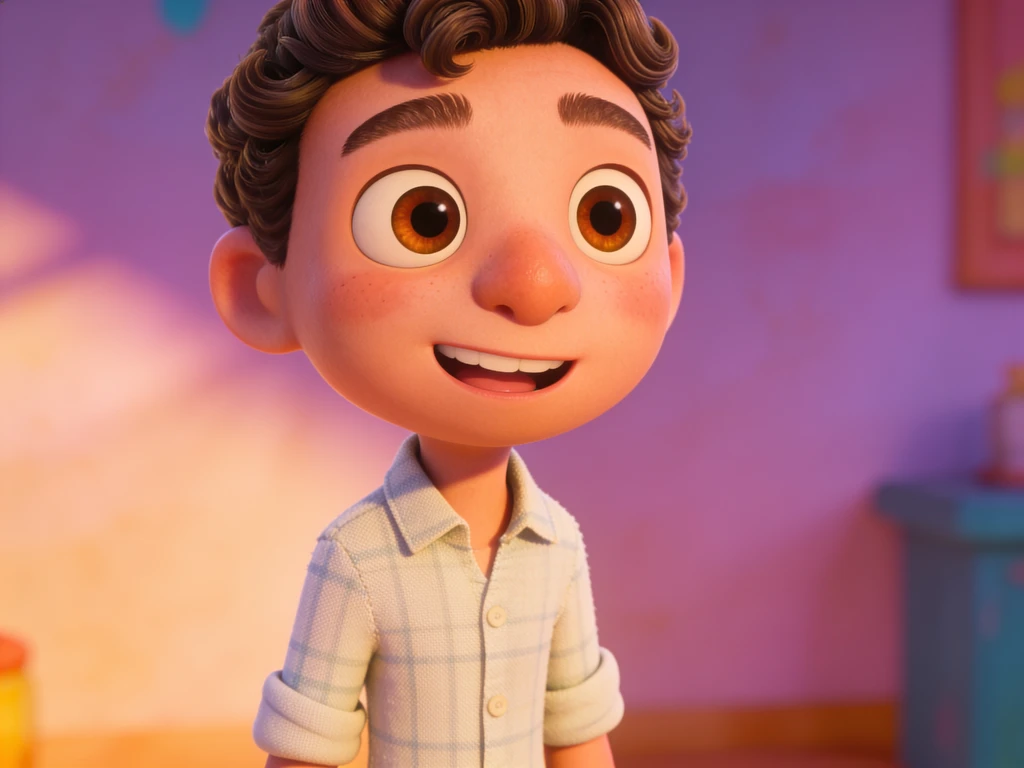
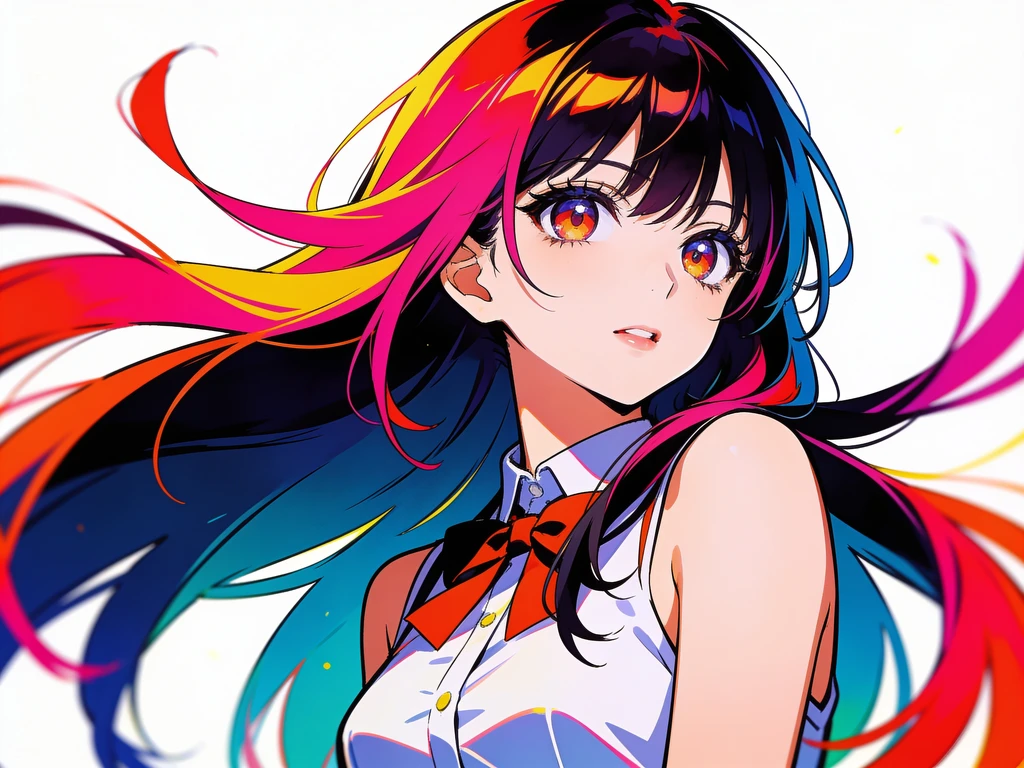
Turn your photos into Studio Ghibli-style anime art with one click. Our Ghibli AI filter recreates the soft hand-painted backgrounds, warm pastel colors, and gentle cel shading of Miyazaki-inspired films while keeping your pose and likeness intact.
Ghibli AI Filter
Drag image here, click to browse, or paste from clipboard
Max size: 5MB
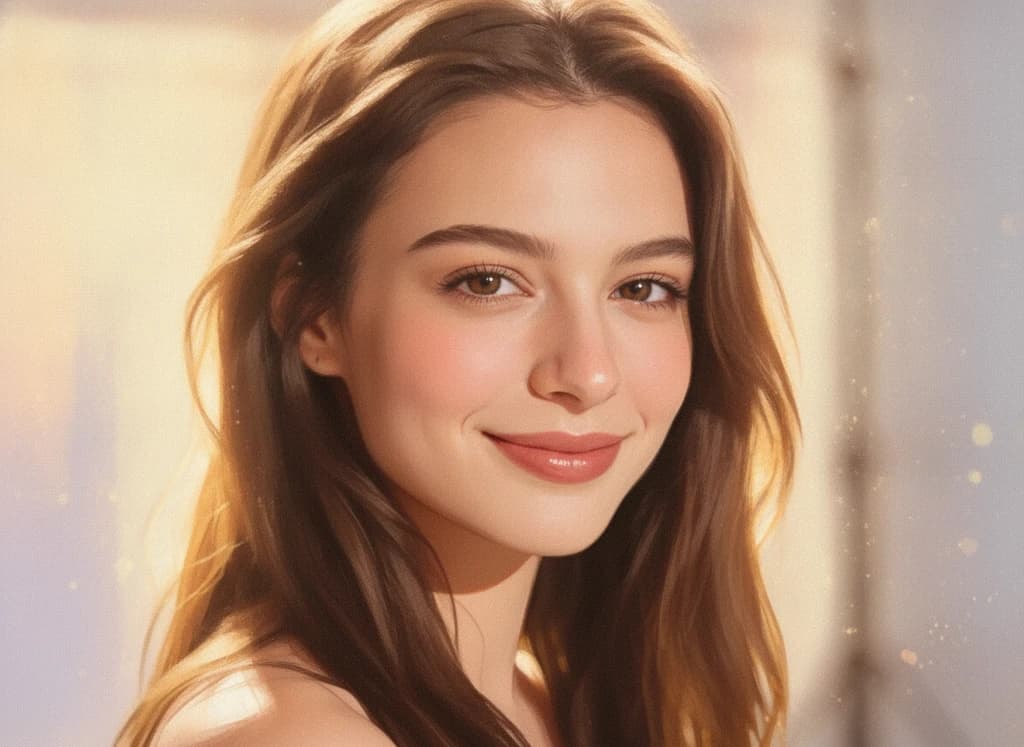

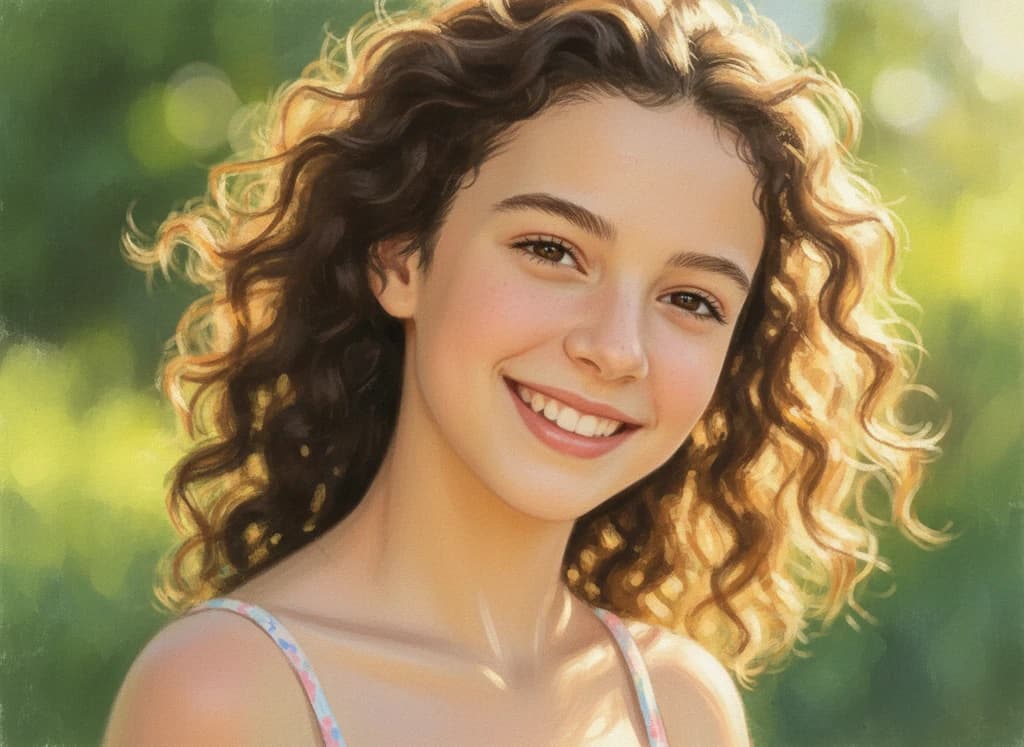
Example results — sign in to create your own
Upload a clear, well-lit photo for the most magical Ghibli look.
Made with Ghibli AI Filter
Real transformations created with this effect.
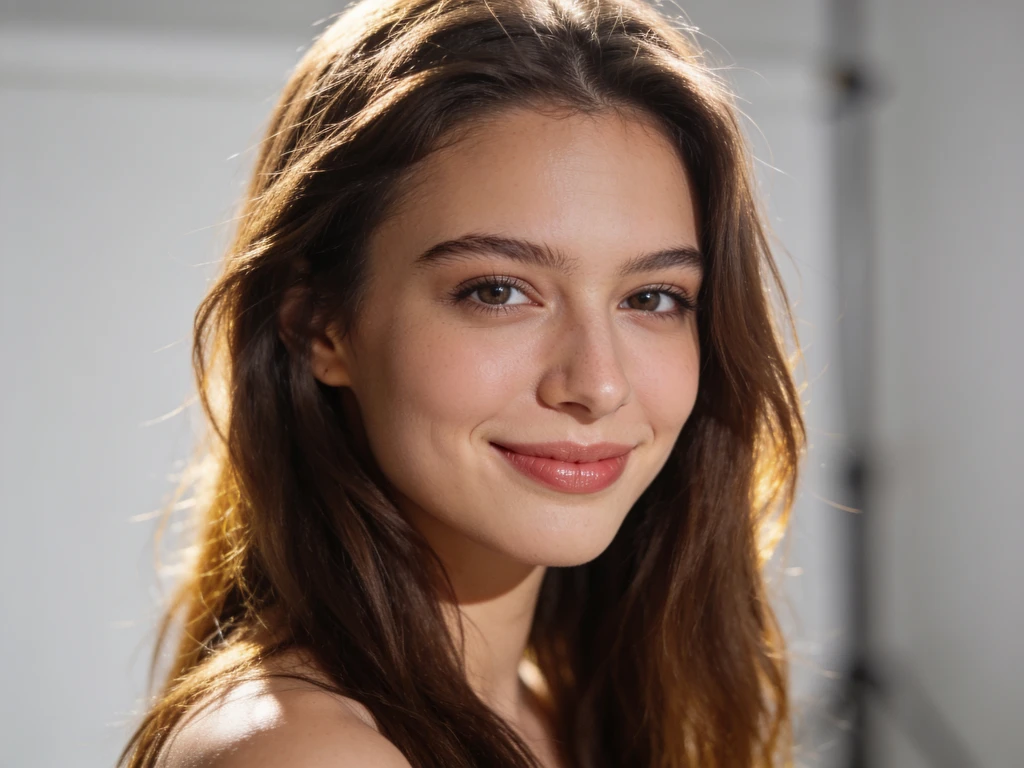
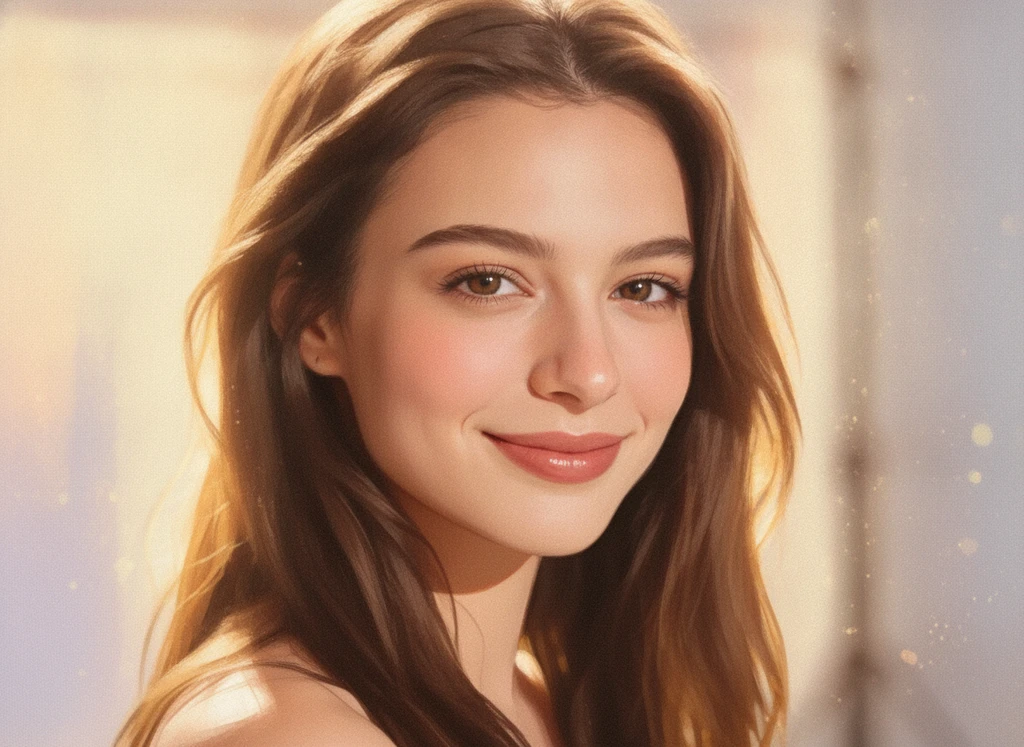
How to create Ghibli art from a photo
- 01
Upload your photo
Choose a clear, front-facing photo. Portraits and scenic shots both work beautifully with the Ghibli style.
- 02
Apply the Ghibli filter
The effect uses a tuned Ghibli prompt automatically — no settings to adjust. Just hit Generate.
- 03
Download your art
Your Studio Ghibli-style image is ready in seconds. Save it or generate another variation.
Ghibli AI filter FAQ
Q01What is the Ghibli AI filter?
Q02Is the Ghibli filter free?
Q03What photos work best for Ghibli style?
Q04Does it keep my likeness?
Q05Can I use Ghibli results on social media?
Pick a photo effect
Create your Ghibli portrait now
Upload a photo and turn it into dreamy Studio Ghibli art in seconds.
No design skills needed — results in seconds.