
AI生成的视频
大多数AI视频模型输出静音片段。将它们通过此工具处理后发布带音效的视频 — 与环境音和拟音匹配的动作,无需编辑。
AI视频音效生成器。上传静音视频,可选描述音效,获取完美同步的音频 — 脚步声、环境音、拟音 — 合并后即可发布。
Please login to view videos
以下每个片段最初都是静音的,并由本工具的高级模式渲染 — 未经手动编辑。点击卡片即可听到。字幕显示了我们使用的确切提示,或者我们没有使用任何提示。
同一个静音片段和相同的提示,分别由标准模式和高级模式渲染。听听两者的区别 — 这就是为什么高级模式是默认选择,而标准模式仍适合快速草稿。
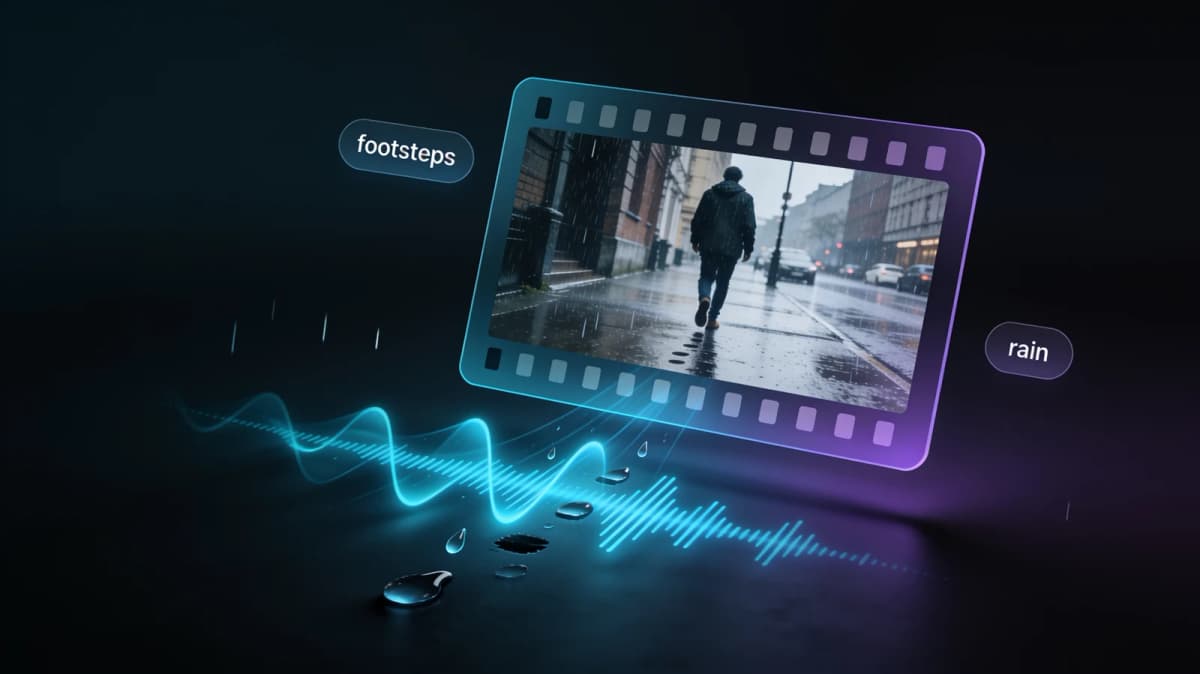
提示 “heavy rain on a city street, footsteps on wet pavement, distant traffic”
提示 “horse galloping on dry ground, hooves, breathing, wind”
模型观察每一帧 — 脚落地的时间、海浪拍打的瞬间、车流的距离 — 并生成与动作同步的音频。留空提示时,它会自行读取场景,或输入几个词来引导情绪、材质、天气。
大多数AI视频转音频工具会给你一个单独的WAV文件,让你自己对齐。这里生成的音轨会在我们这边合并到你的视频中 — 你下载的是一个带音频的MP4,适用于TikTok、Reels、YouTube或客户演示。
本网站上的每个AI视频都是静音的 — 图像转视频、视频特效、参考转视频。每个结果卡片都有一个添加音频按钮,将片段直接放入此工具,因此生成、添加音效和发布是一个流畅的过程。

大多数AI视频模型输出静音片段。将它们通过此工具处理后发布带音效的视频 — 与环境音和拟音匹配的动作,无需编辑。
被风破坏的Vlog音频、静音的屏幕录制、拍摄距离过远的片段 — 用干净、场景匹配的音效替换缺失的音轨。
带有令人满足的呼啸声的产品旋转比静音的更能吸引转化。为营销片段生成微妙、专业的音效设计,只需几秒钟。
MP4或MOV,最长60秒。时长和价格会立即显示 — 无需账户即可预览。
留空时AI会读取场景,或引导它:“锡屋顶上的雨声”、“人群欢呼声”、“柔和的钢琴环境音”。
标准模式适合快速草稿,高级模式适合最真实的同步。音频会合并到您的视频中 — 下载并发布。
本工具的适用场景与局限——若只需背景音乐,音乐叠加类应用更经济。
| AI音效(本工具) | 音乐叠加应用 | 编辑器手动拟音 | |
|---|---|---|---|
| 与画面动作同步 | 是——根据画面生成 | 否——仅叠加音乐 | 需手动对齐每个音效 |
| 输出结果 | 含音频的MP4文件 | 带背景音乐的MP4 | 工程文件需自行导出 |
| 所需技能 | 零基础——可选文字提示 | 零基础 | 需掌握剪辑与音效设计基础 |
| 最佳场景 | 需真实环境音与拟音的AI生成/无声片段 | 仅需背景音乐的混剪与短视频 | 需精细定制音效的影视作品 |
我们盲测了五种视频转音频模型对同一组无声片段的效果,最终胜出的两个模型成为当前生产层级——本页所有示例均来自这两个层级。
本网站上的每个视频工具都输出静音片段,并在结果上有一个添加音频按钮 — 在这里生成,在那里添加音效,然后发布。