
AI Video Effects
Create professional-quality AI video effects from photos in 50 Seconds with 95% facial accuracy. Join 28.8 million users generating viral romantic animations, hug videos, and face animations. Market-leading photo animation technology delivers cinema-quality results 280x faster than traditional methods.
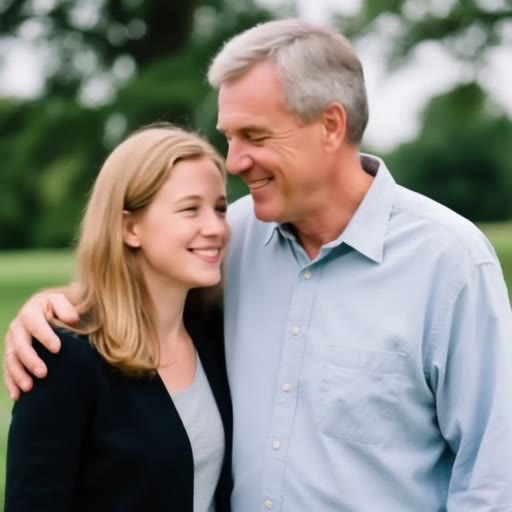
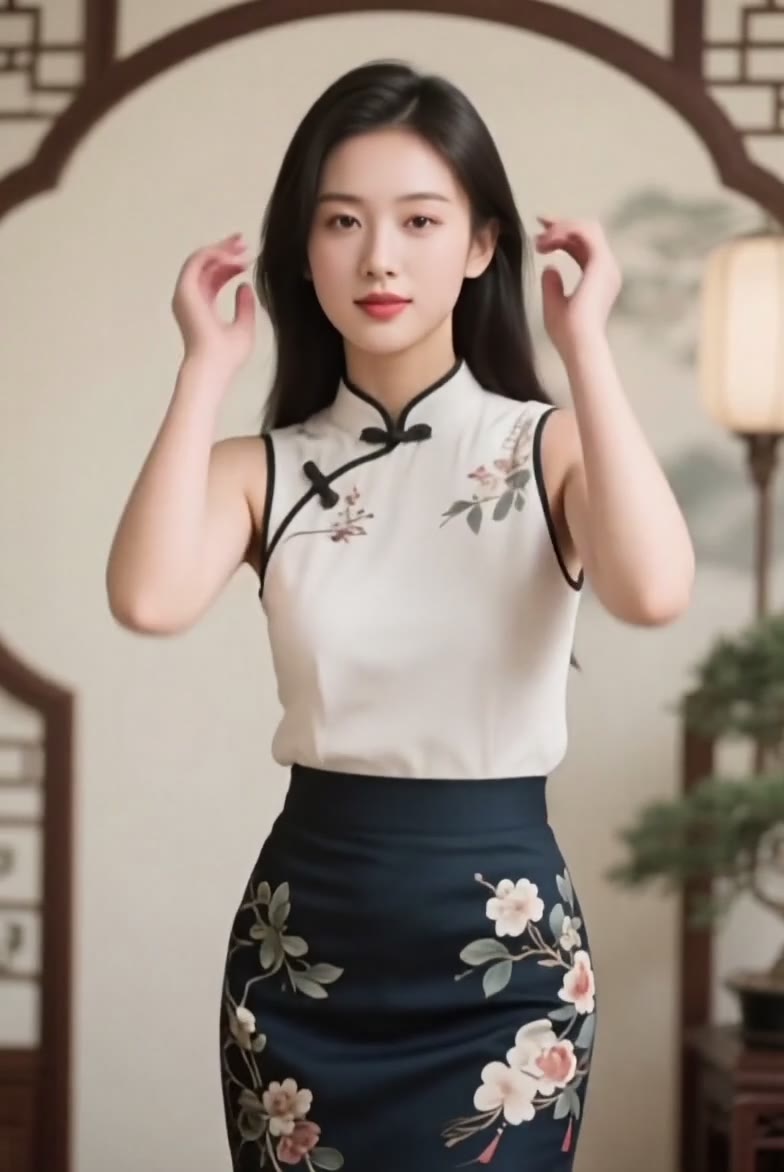
Couple & Love
02 takes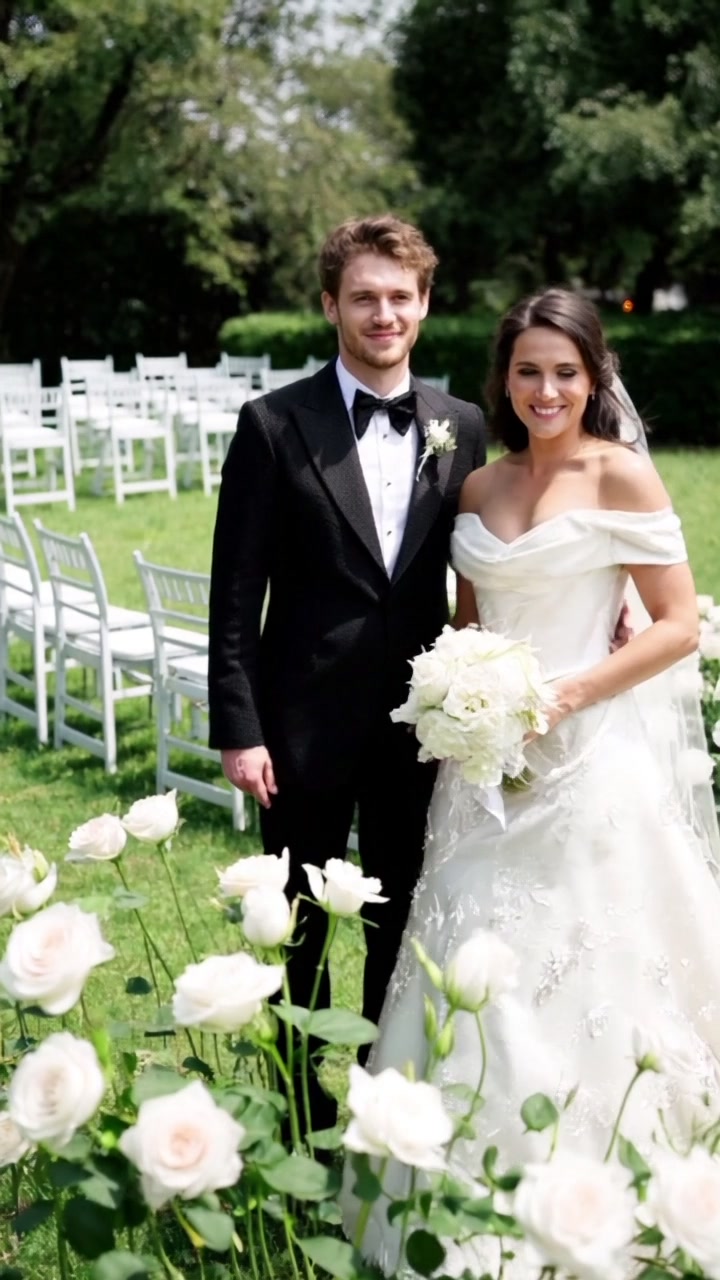
Fun & Dance
01 takesTransform
07 takes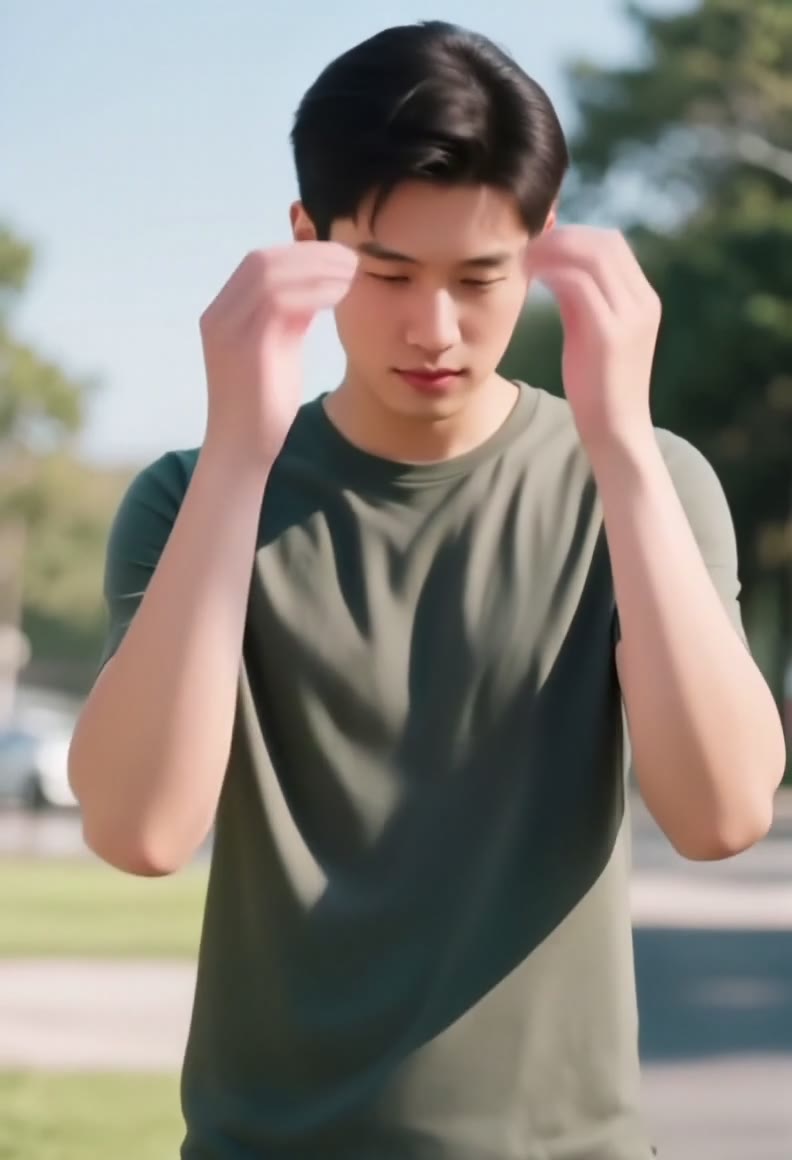 F·04
F·04Remix your look — swap gender in motion, not just a filter frame.
 F·05
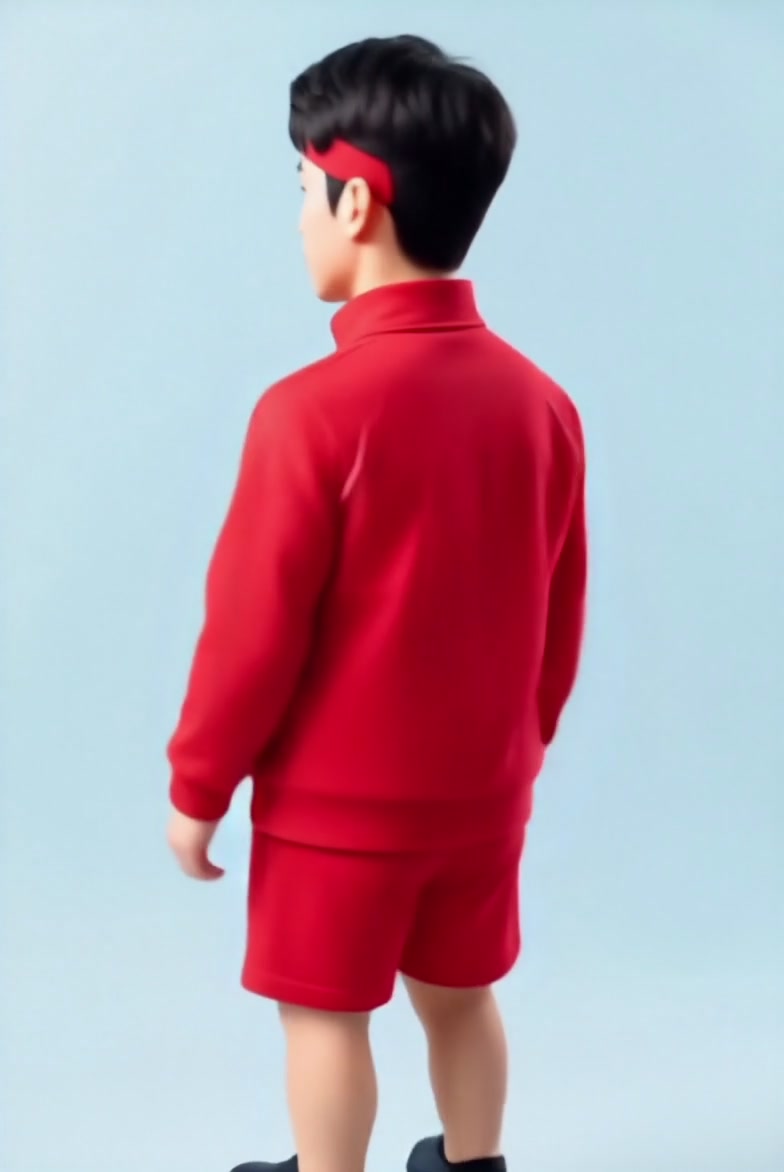
F·05Turn any photo into a Q-version 3D collectible figure video.
 F·06
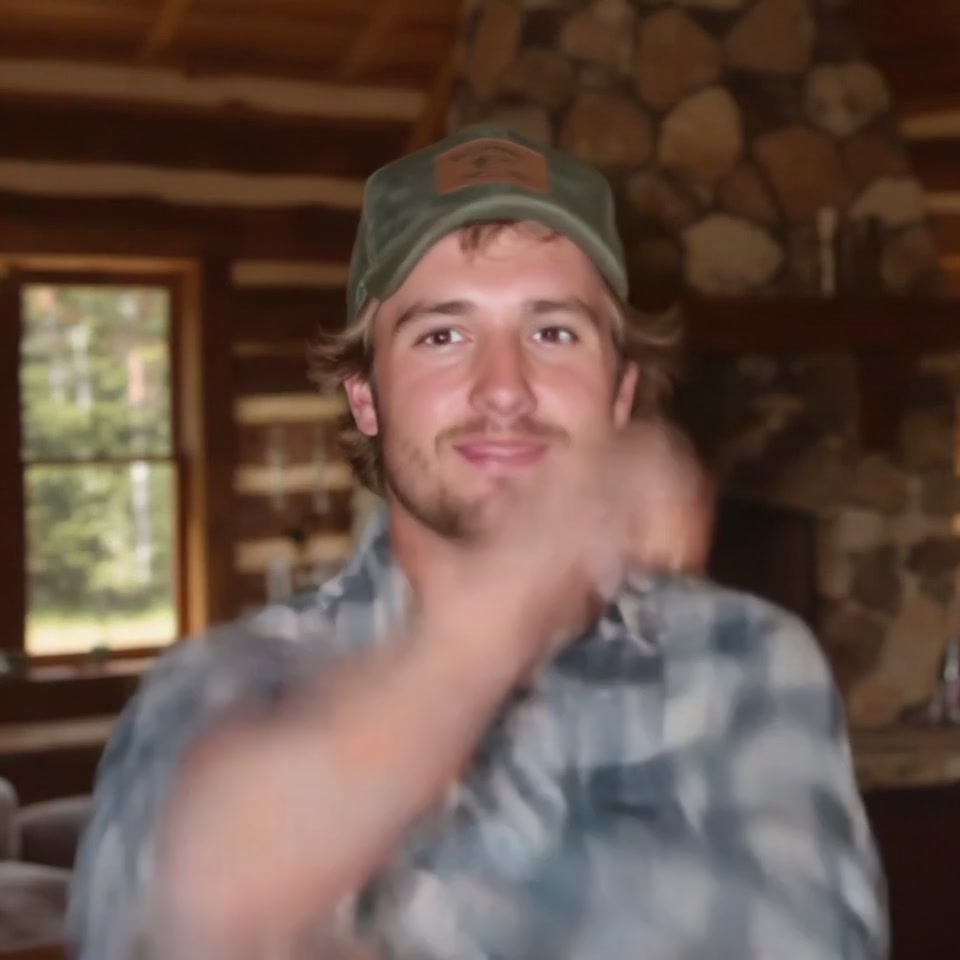
F·06Turn any photo into a ripped, muscular transformation video in seconds.
 F·07
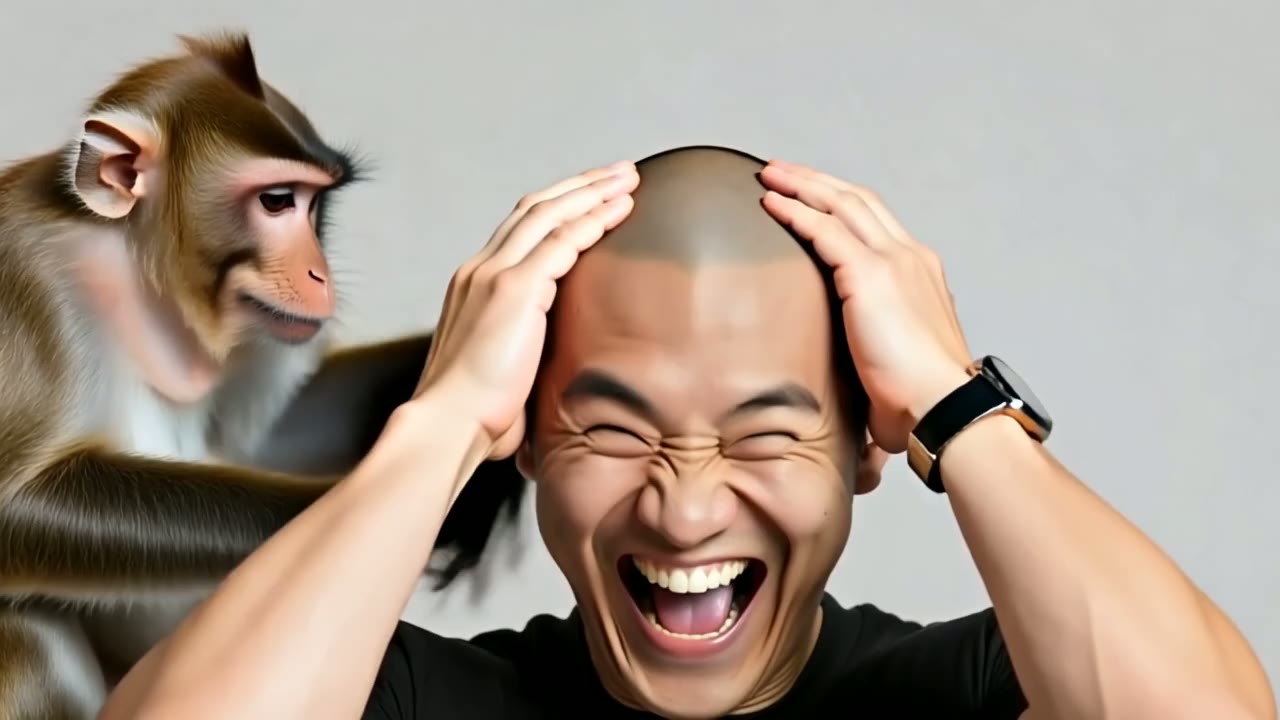
F·07See yourself go bald in one funny AI video — upload a photo and watch.
 F·08
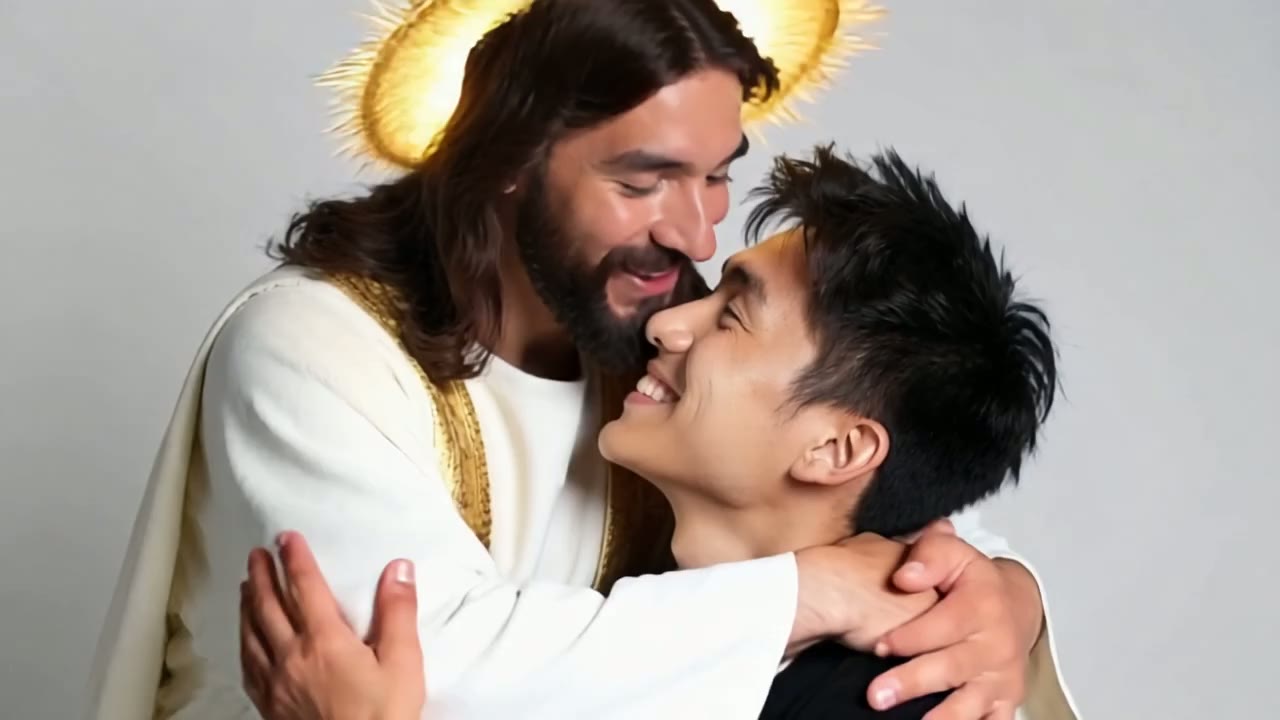
F·08Get a warm hug from Jesus in one heartfelt AI video — just upload a photo.
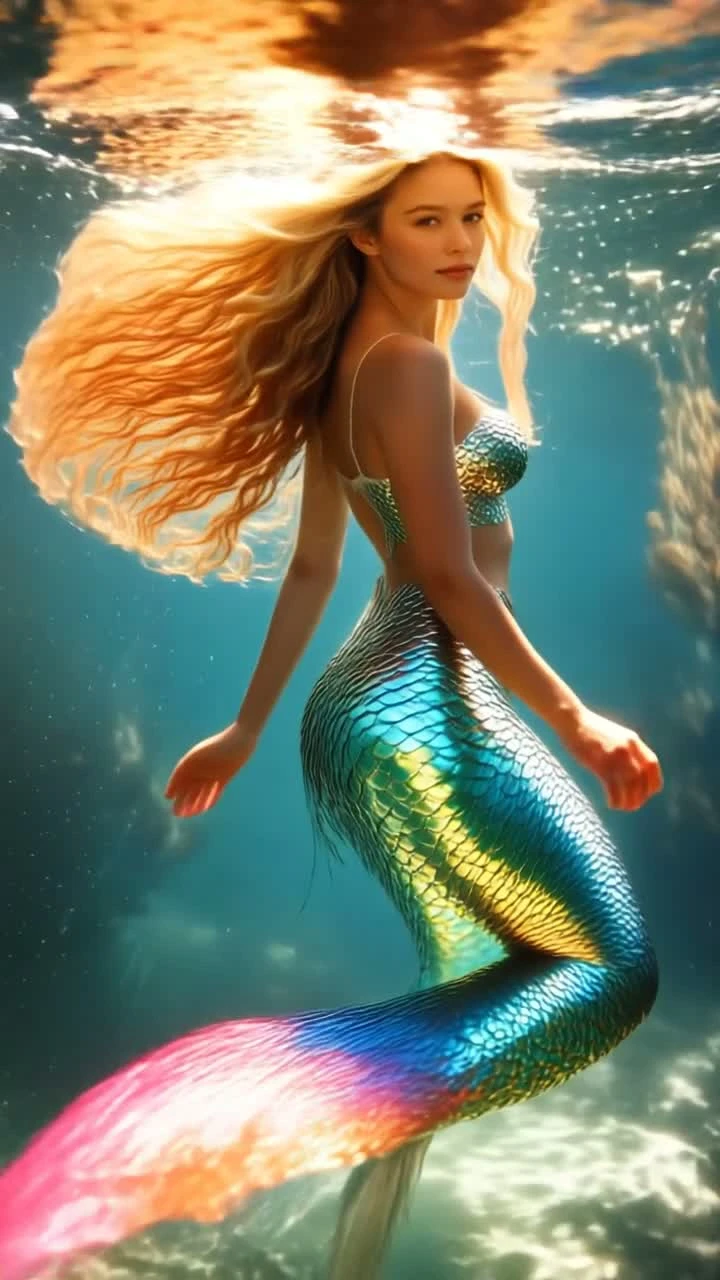 F·09
F·09Turn a full-body photo into a shimmering underwater mermaid video.
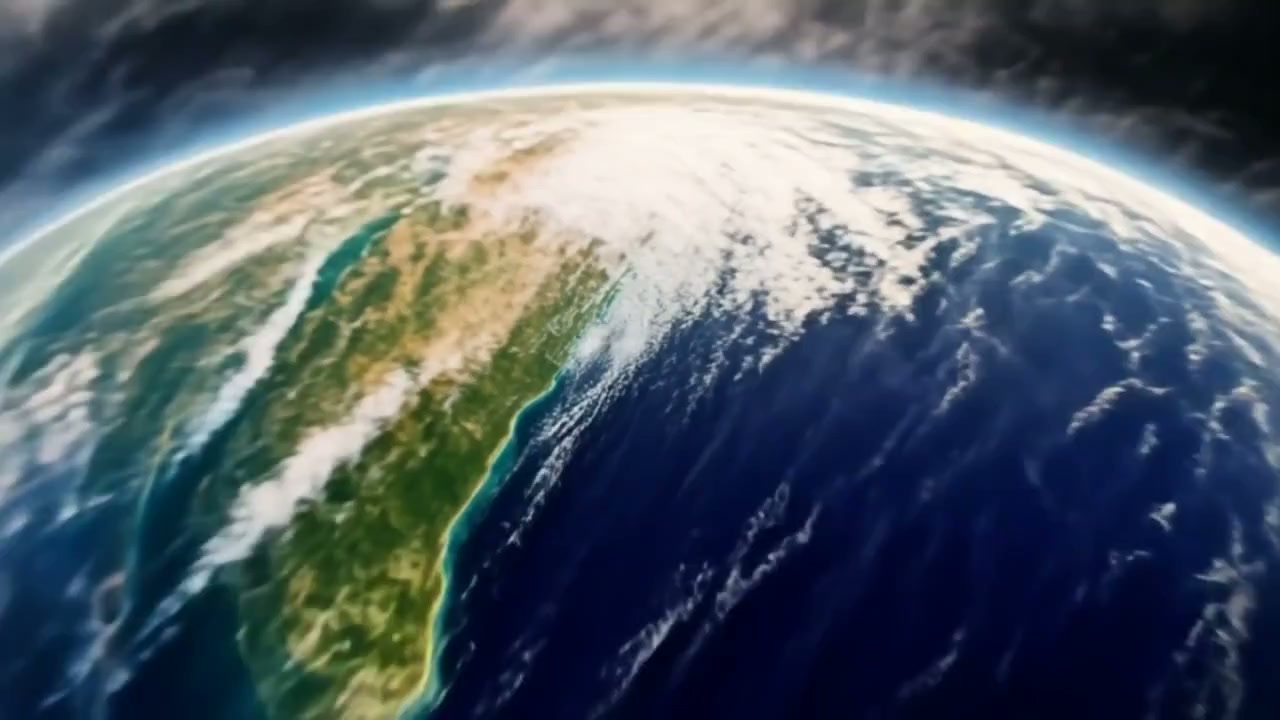 F·10
F·10Dive from outer space straight down to your photo in one cinematic zoom.
Cartoon & Anime
01 takes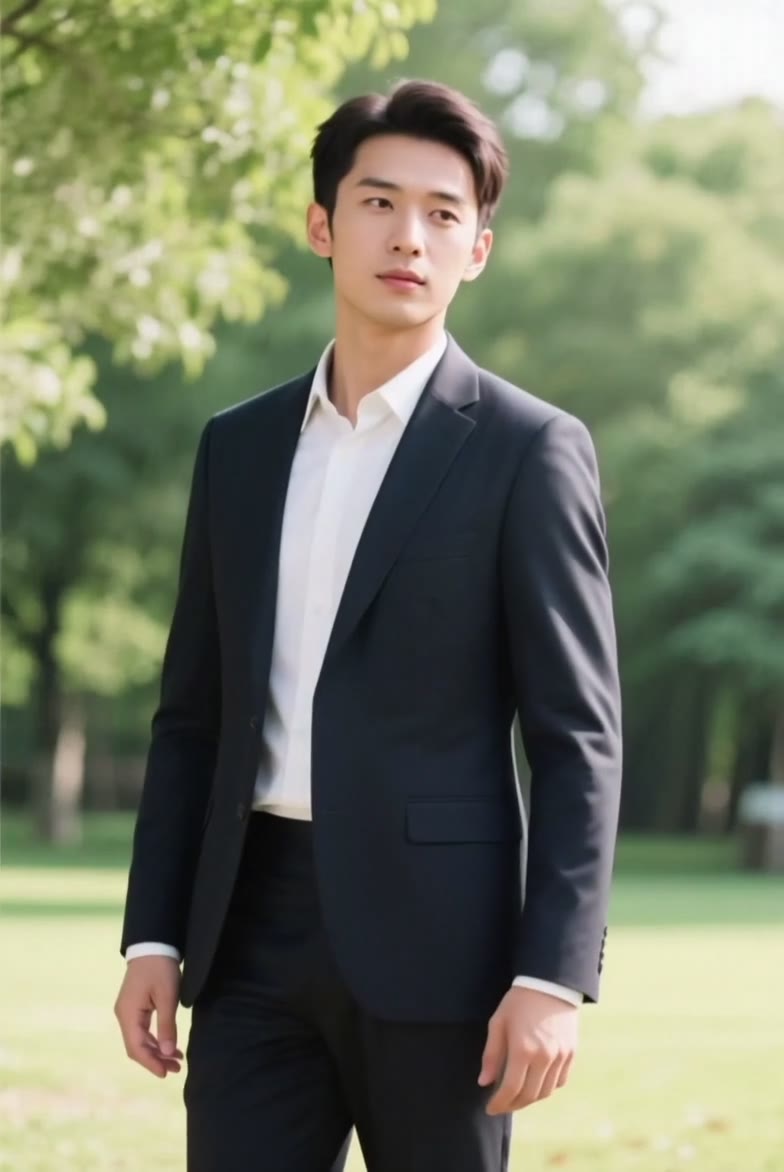
Pets
01 takes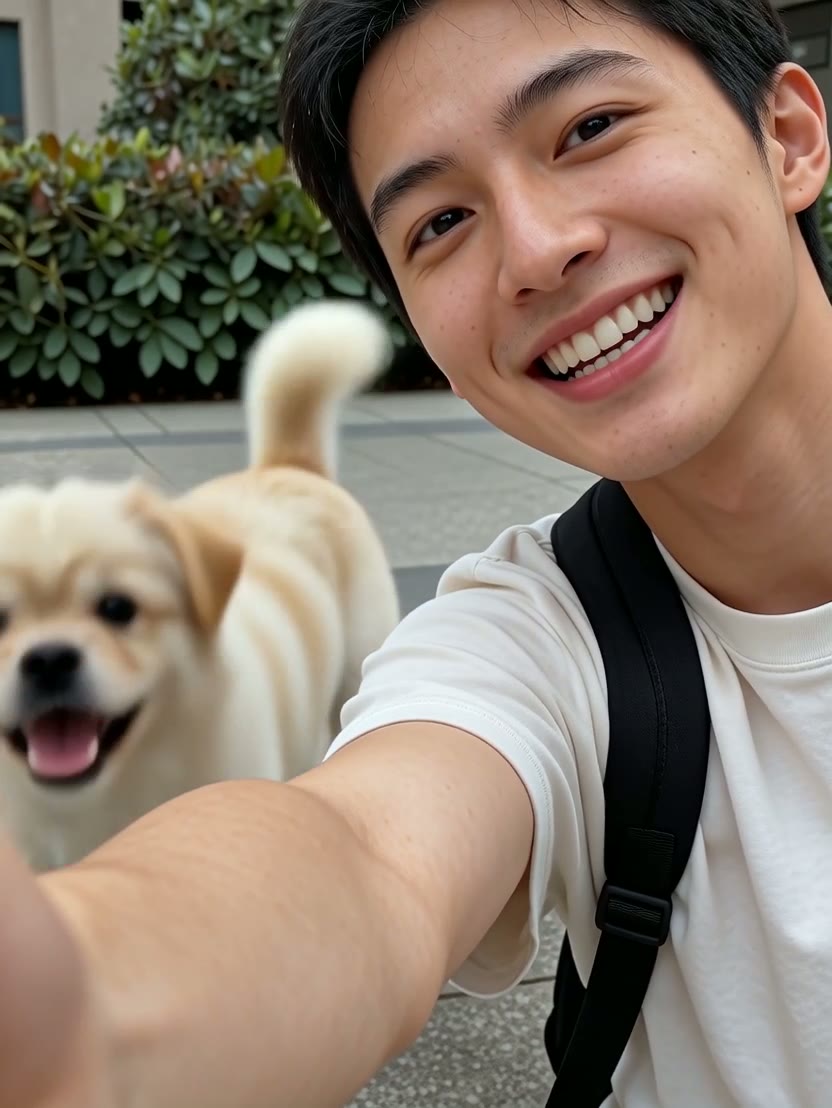
How to Create Video Effects
- 01
Choose Your AI Video Effect
Select from 15+ professional effects used by content creators to generate 2.7 million viral videos. Each effect optimized for maximum social media engagement and facial accuracy.
- 02
Upload High-Resolution Photos
Upload 1080p+ photos with clear faces for optimal results. Our AI processes 95% of face types accurately, requiring minimal lighting conditions for professional output.
- 03
Generate in 50 Seconds
Advanced AI processes your photos 280x faster than traditional methods. Download cinema-quality MP4 videos ready for TikTok, Instagram, or professional projects.
Video Effects FAQ
Q01What AI video effects achieve the highest engagement rates?
Q02What photo specifications deliver professional AI animation quality?
Q03How fast is AI video processing compared to traditional animation?
Q04Can AI-generated romantic videos be used for commercial content creation?
Q05Which video formats optimize AI animations for different social platforms?
Q06How does AI content moderation ensure appropriate romantic video generation?
Join 28.8M Users Creating Viral AI Video Effects
Generate professional romantic videos, hug animations, and face animations in 50 Seconds. Used by 78% of content creators to boost engagement by 40%. Start with cinema-quality AI video effects proven to drive viral social media growth.
2.7M viral videos created monthly with 95% satisfaction rate