
AI Aging Filter
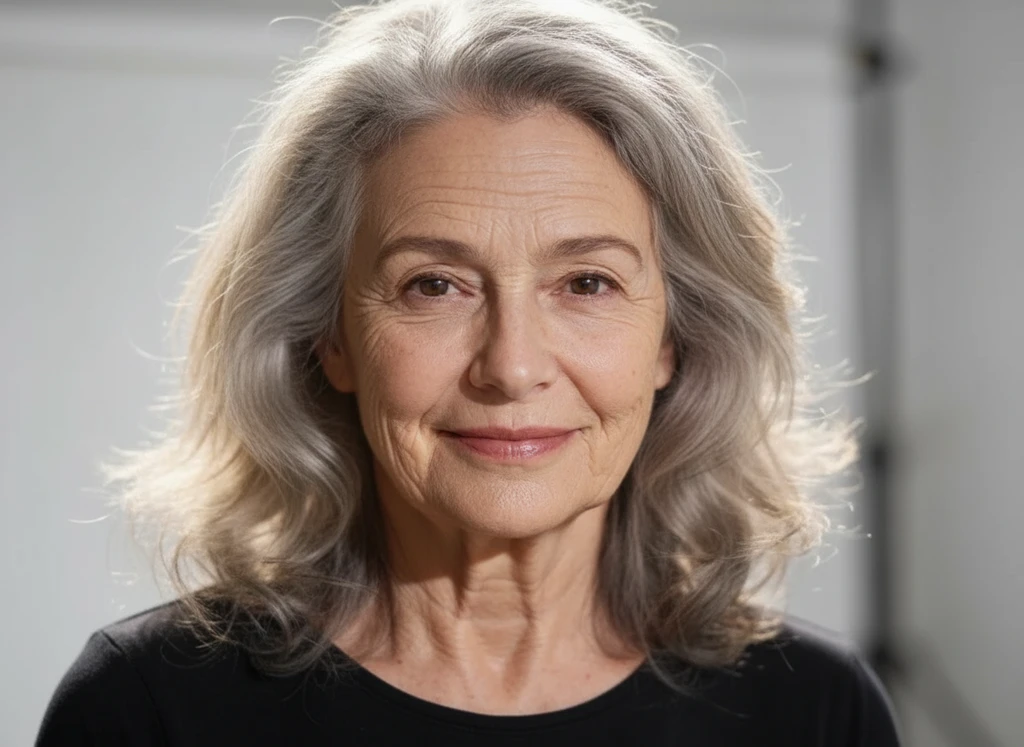
Ever wondered how you'll look when you're old? Our AI aging filter transforms your photo into a realistic elderly portrait — adding grey hair, wrinkles and aged skin while keeping your face recognizable. Upload a selfie and see yourself decades older in seconds.
AI Aging Filter
Drag image here, click to browse, or paste from clipboard
Max size: 5MB
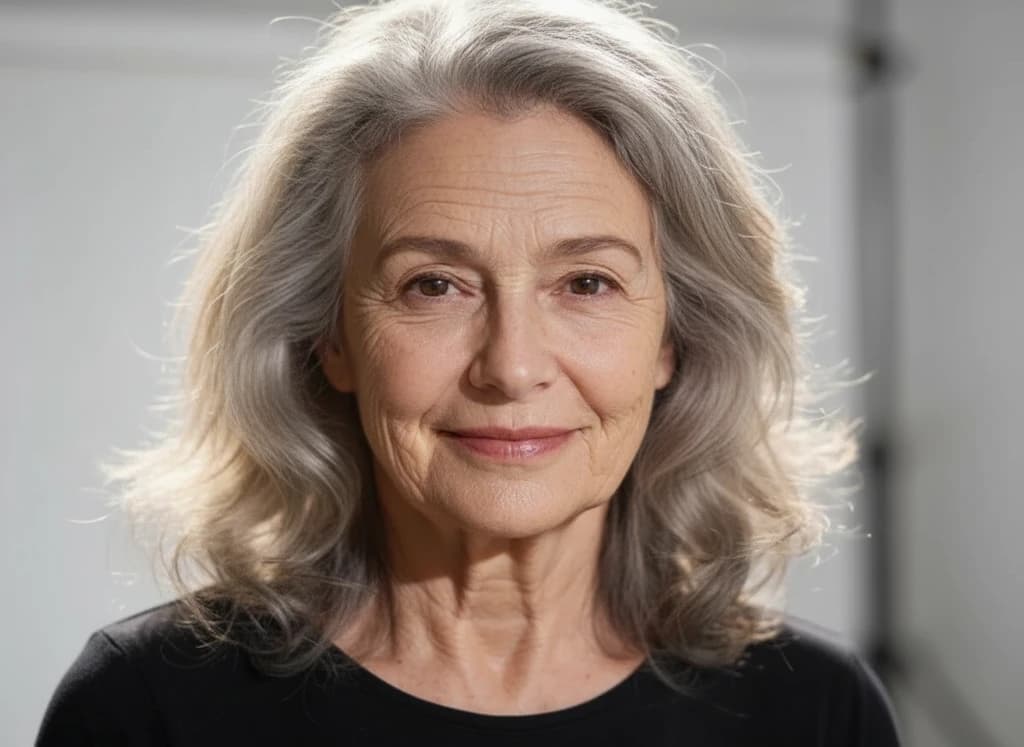
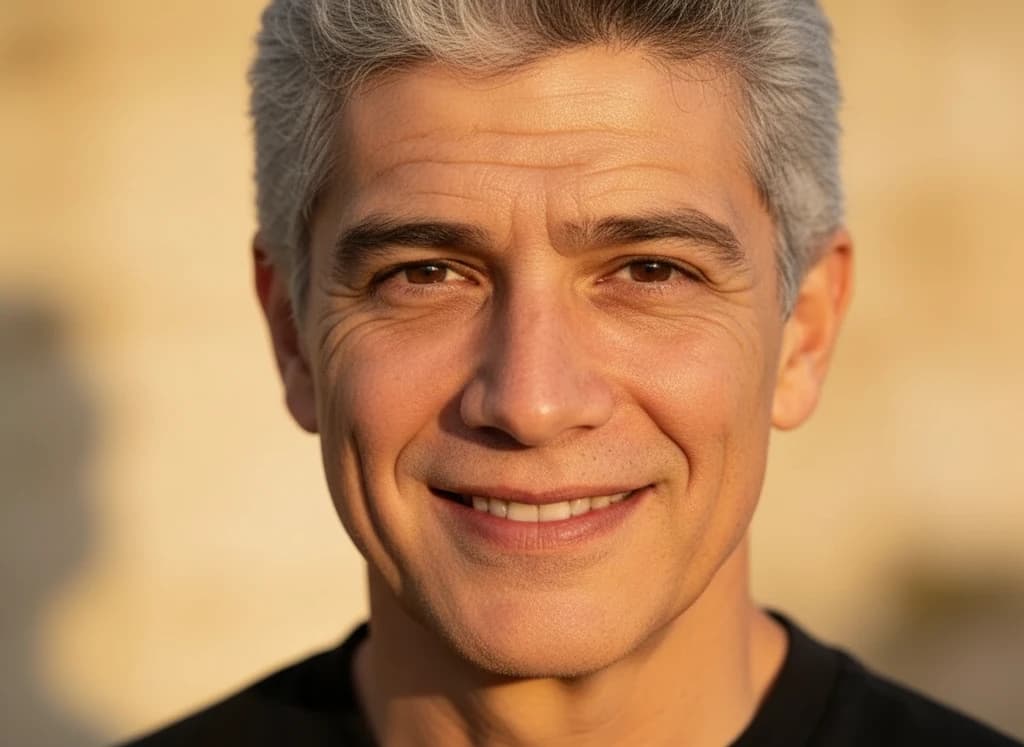
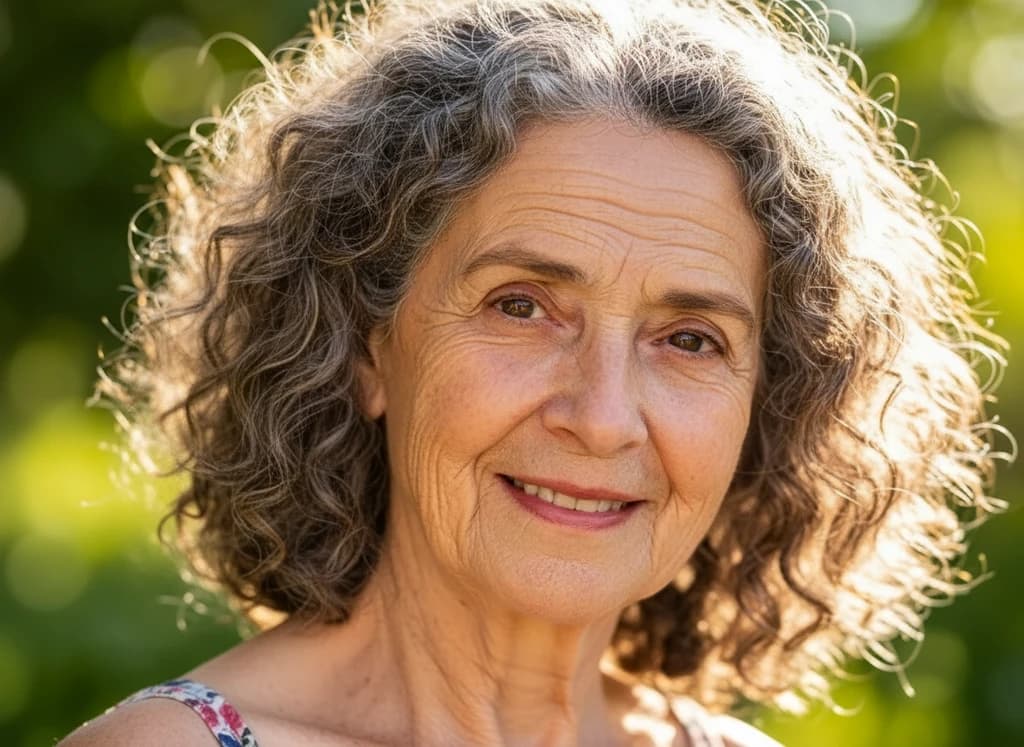
Example results — sign in to create your own
Upload a clear, front-facing photo of one face for the most realistic aging result.
Made with AI Aging Filter
Real transformations created with this effect.
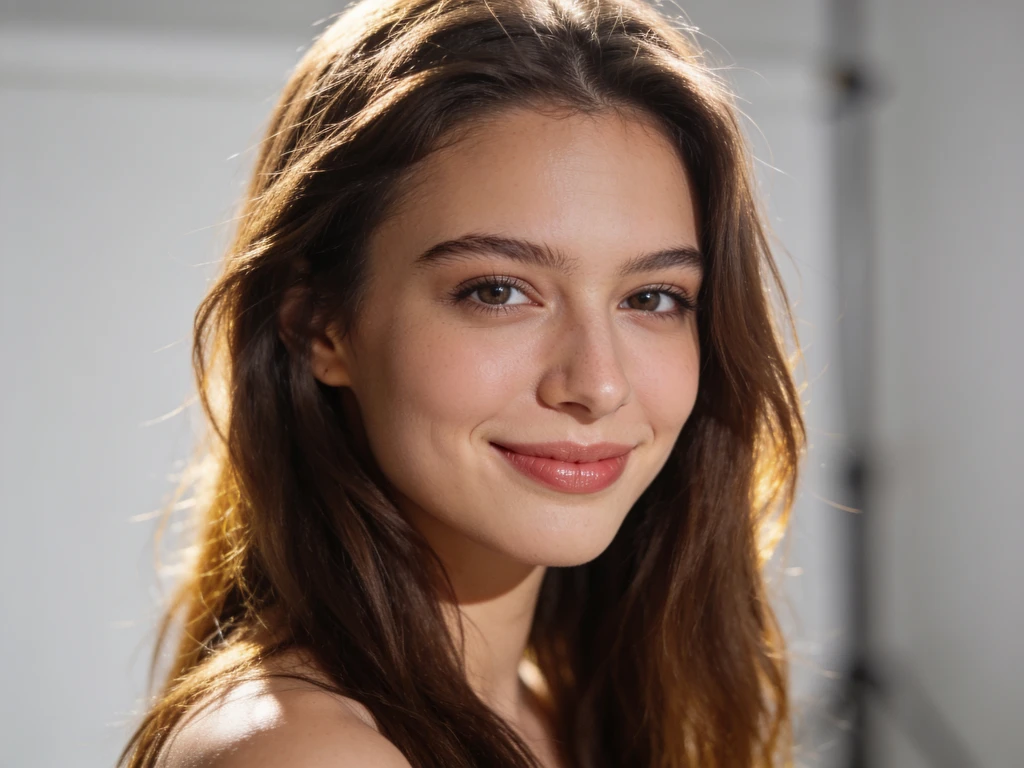
How to use the AI aging filter
- 01
Upload your photo
Choose a clear, well-lit selfie where your face is fully visible for the best face-aging result.
- 02
Apply the aging filter
The effect runs a tuned old-age prompt automatically — no settings to adjust. Just hit Generate.
- 03
Download & share
Your aged portrait is ready in seconds. Save it or share how you'll look when you're old.
AI aging filter FAQ
Q01What is the AI aging filter?
Q02Is the aging filter free?
Q03What photos work best?
Q04Will it still look like me?
Q05Can I share my old-age photo?
Pick a photo effect
See yourself old now
Upload a photo and watch the AI aging filter reveal your future self in seconds.
No app needed — realistic results in seconds.