
Image to Image AI
Upload a photo and let AI reimagine it. Restyle it as anime or art, change the background, restore an old picture, or describe any edit in words. High-resolution image-to-image results in seconds, powered by Seedream 4.5.
Real Image-to-Image Transformations
Every result below started as the photo tucked in the corner — restyled, restored, or reimagined with a single prompt. Hover to see how.
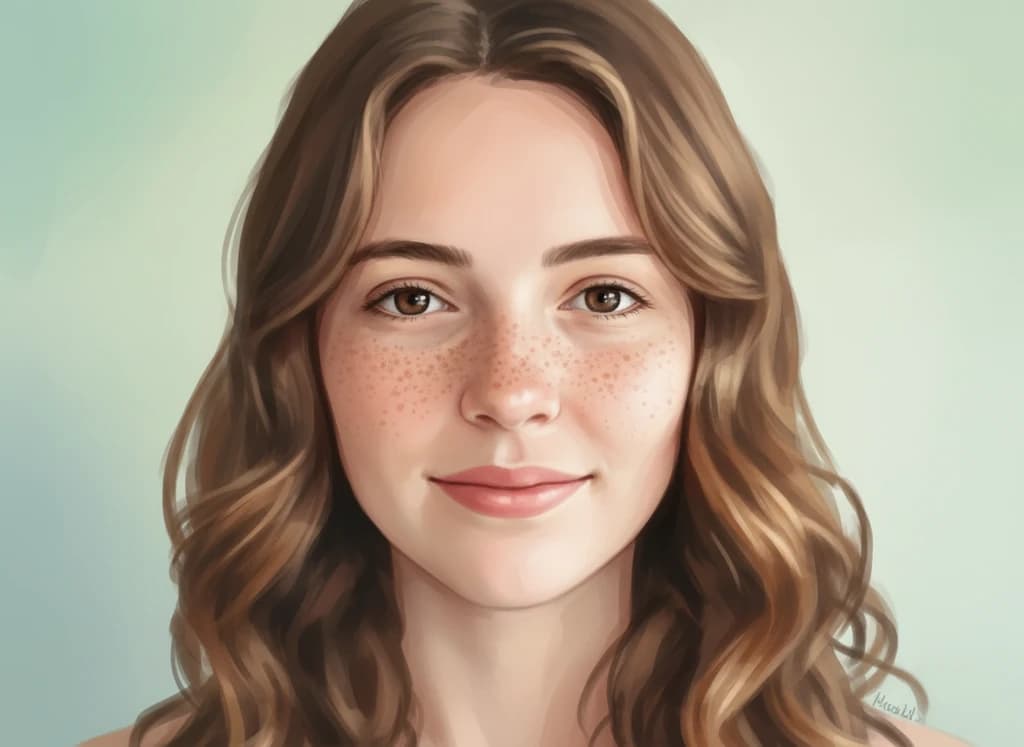
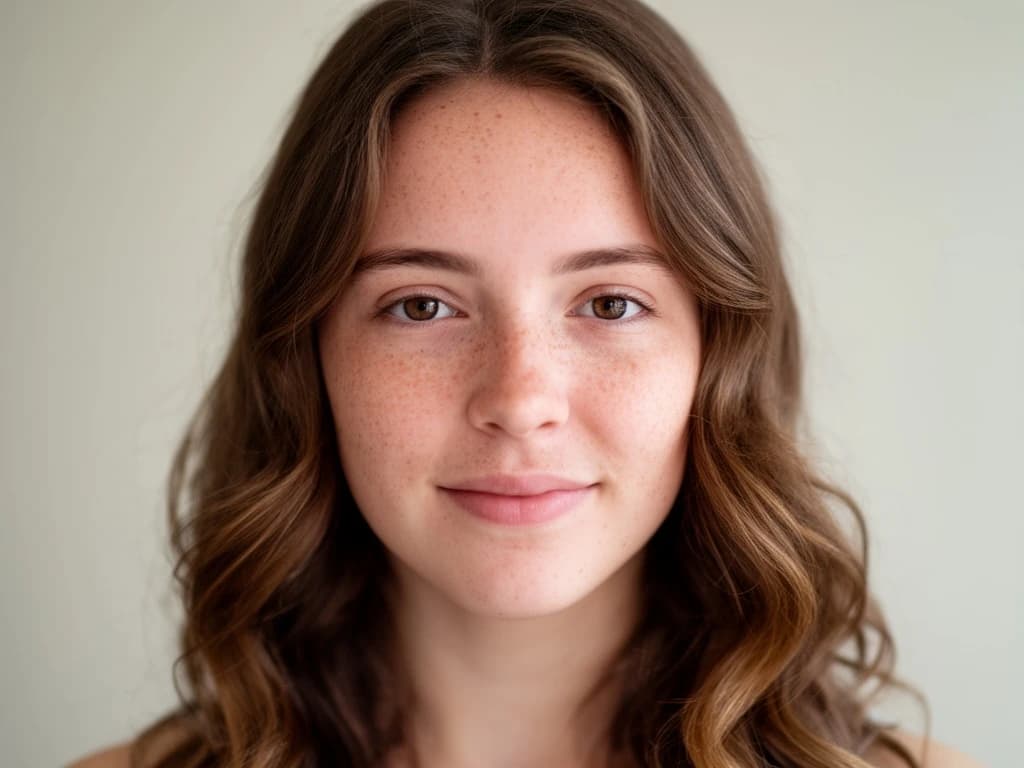 Before
Prompt:Transform into a Studio Ghibli style anime illustration
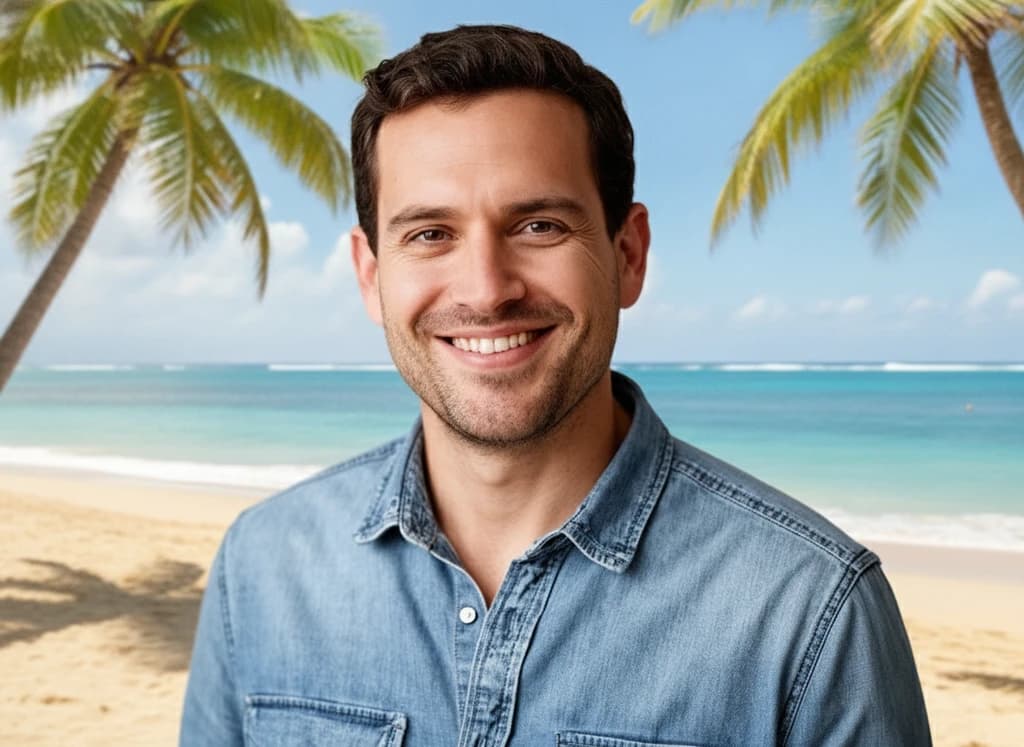
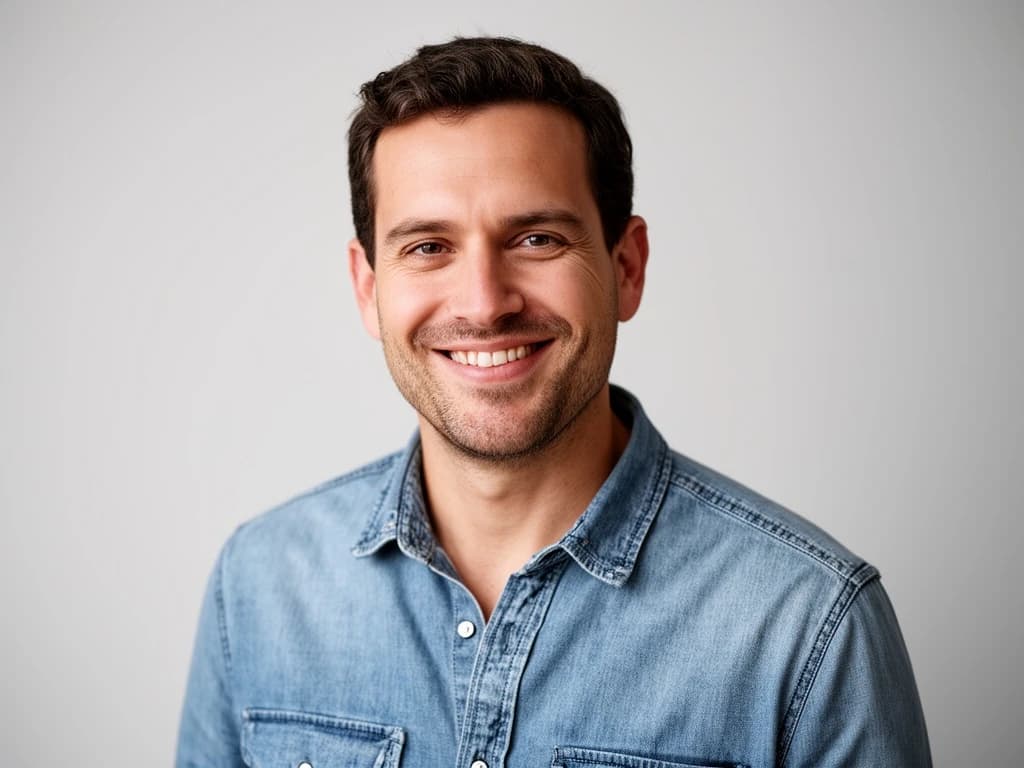 Before
Prompt:Change the background to a sunny tropical beach with palm trees
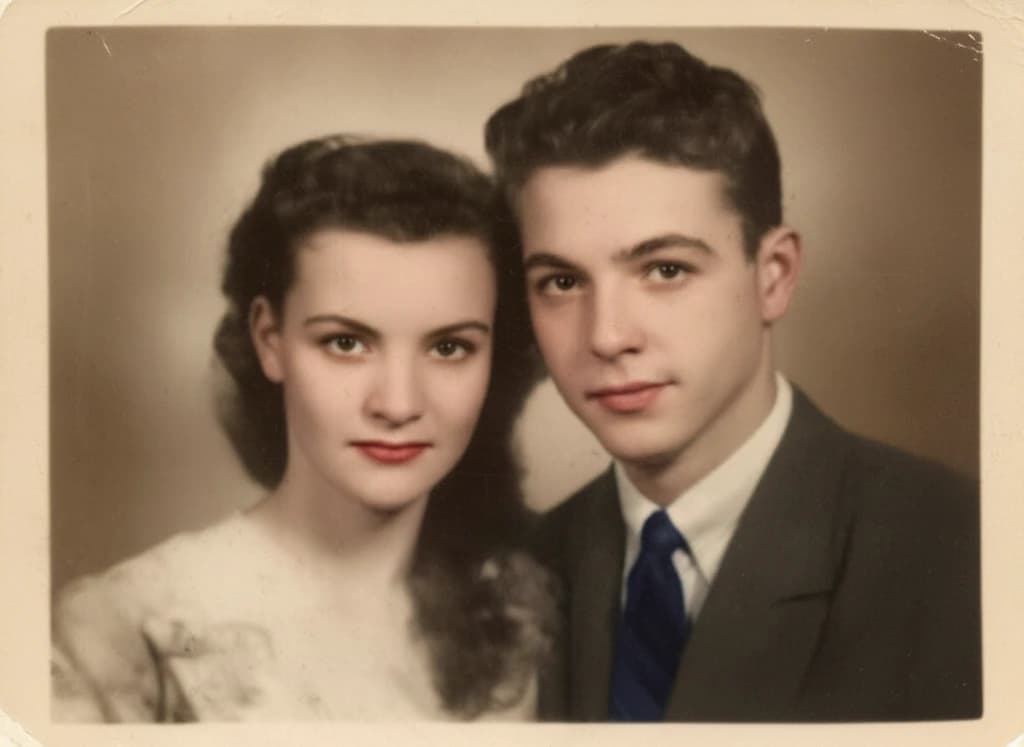
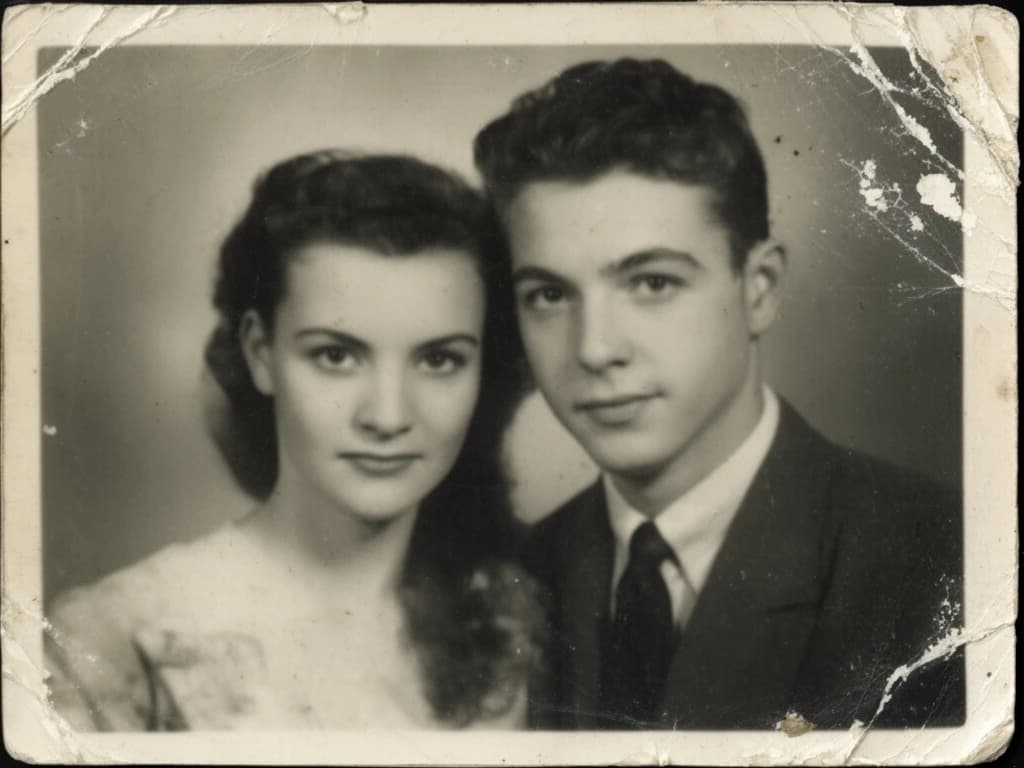 Before
Prompt:Restore and colorize this old photo, remove scratches and damage
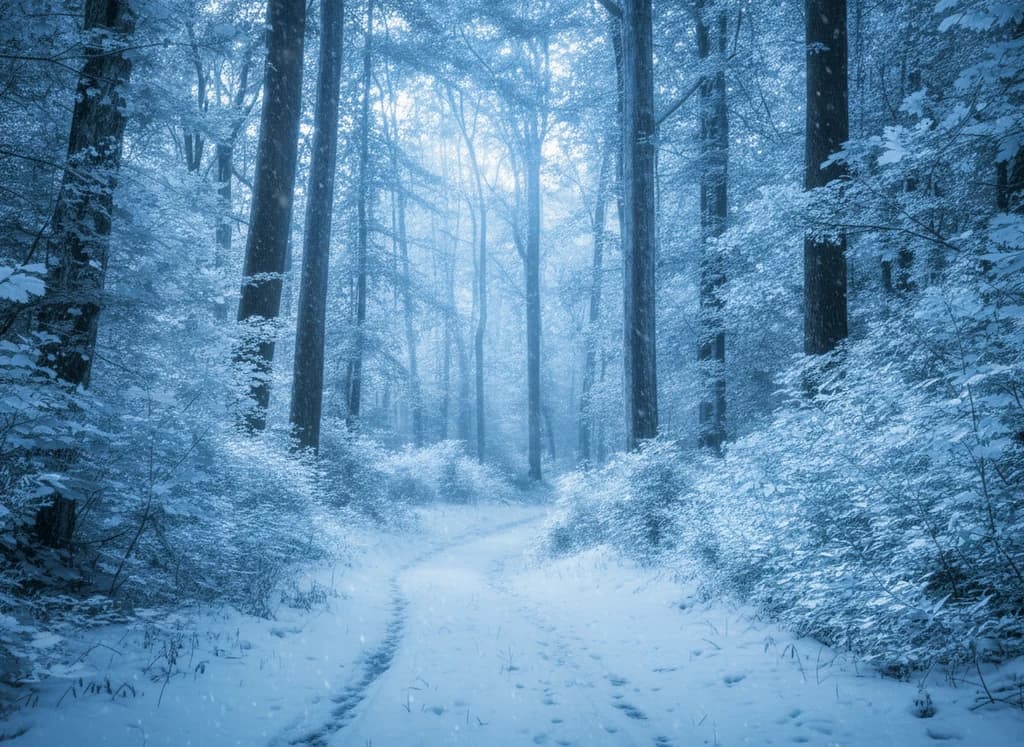
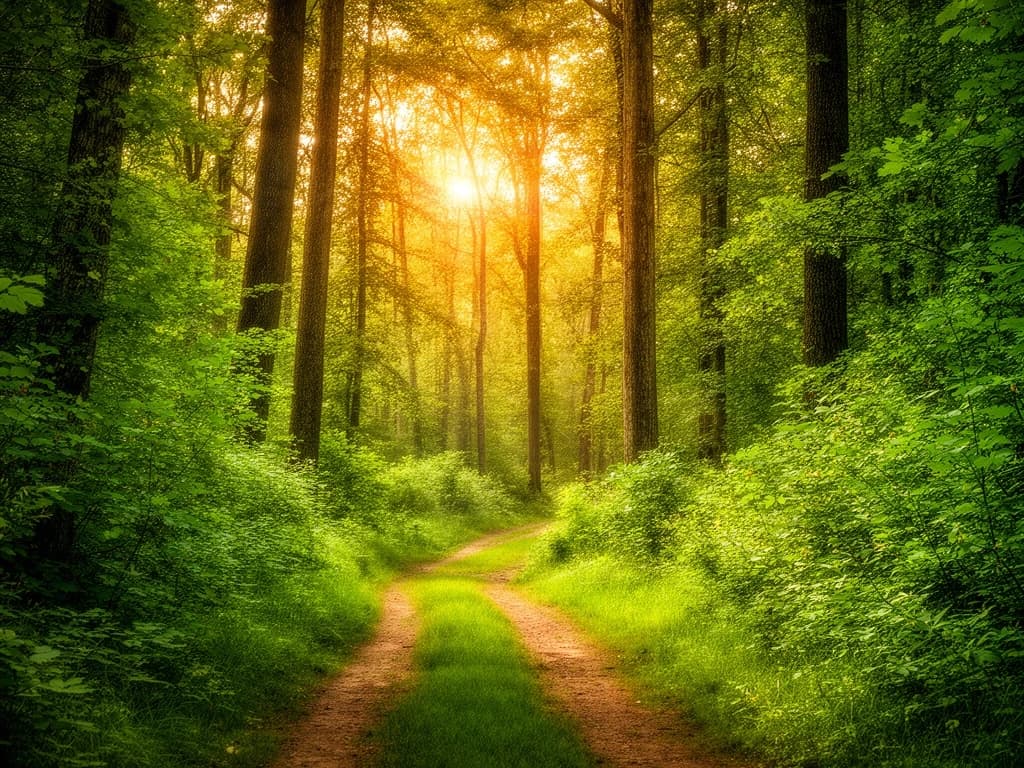 Before
Prompt:Transform into a snowy winter scene with snow on the trees
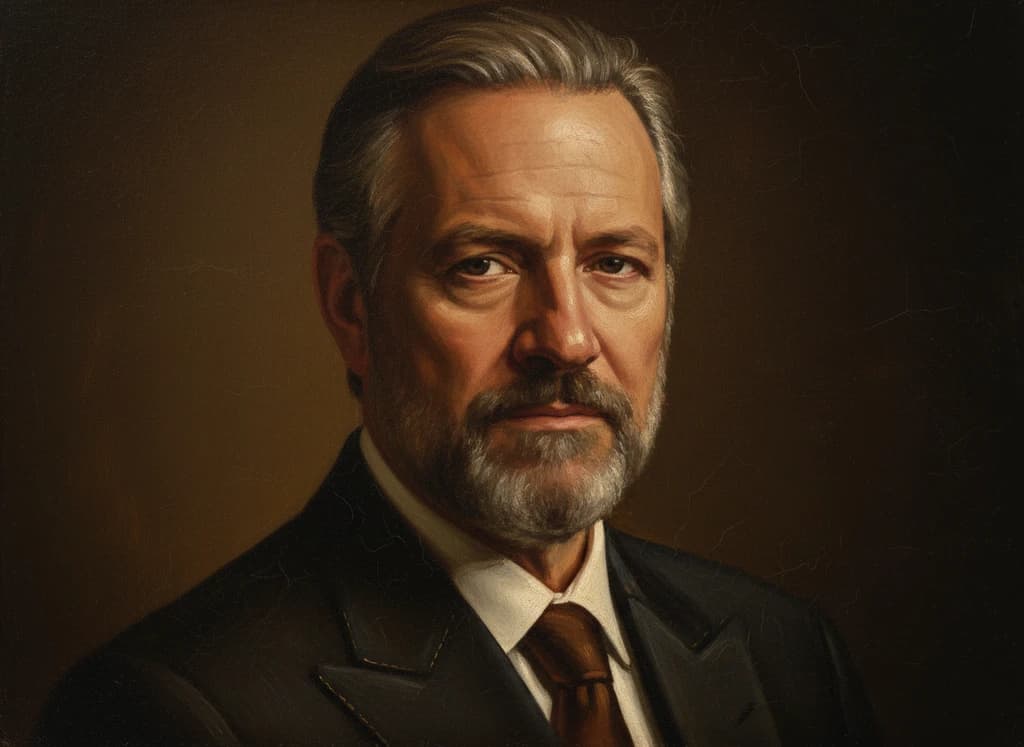
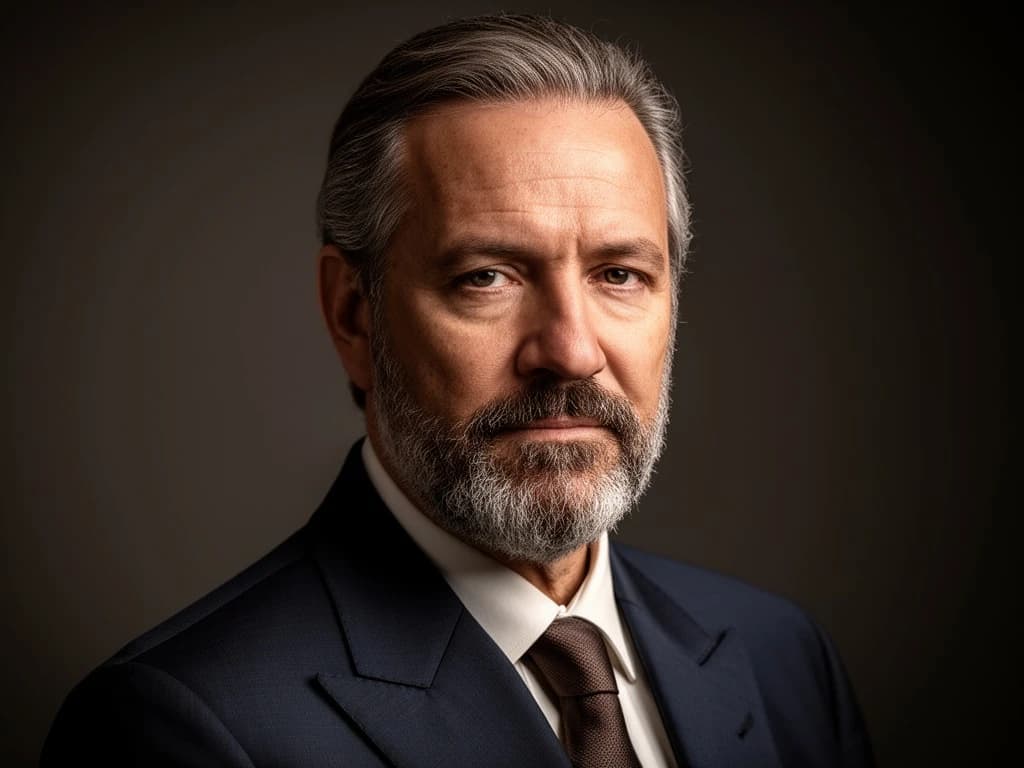 Before
Prompt:Transform into a classical Renaissance oil painting with visible brushstrokes
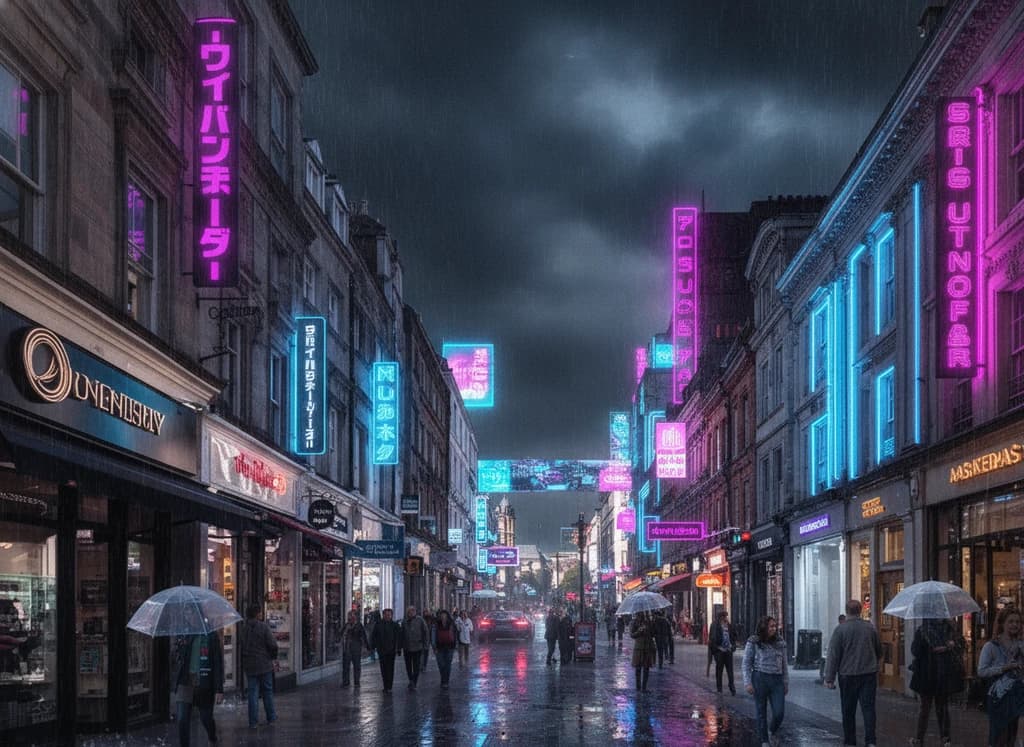
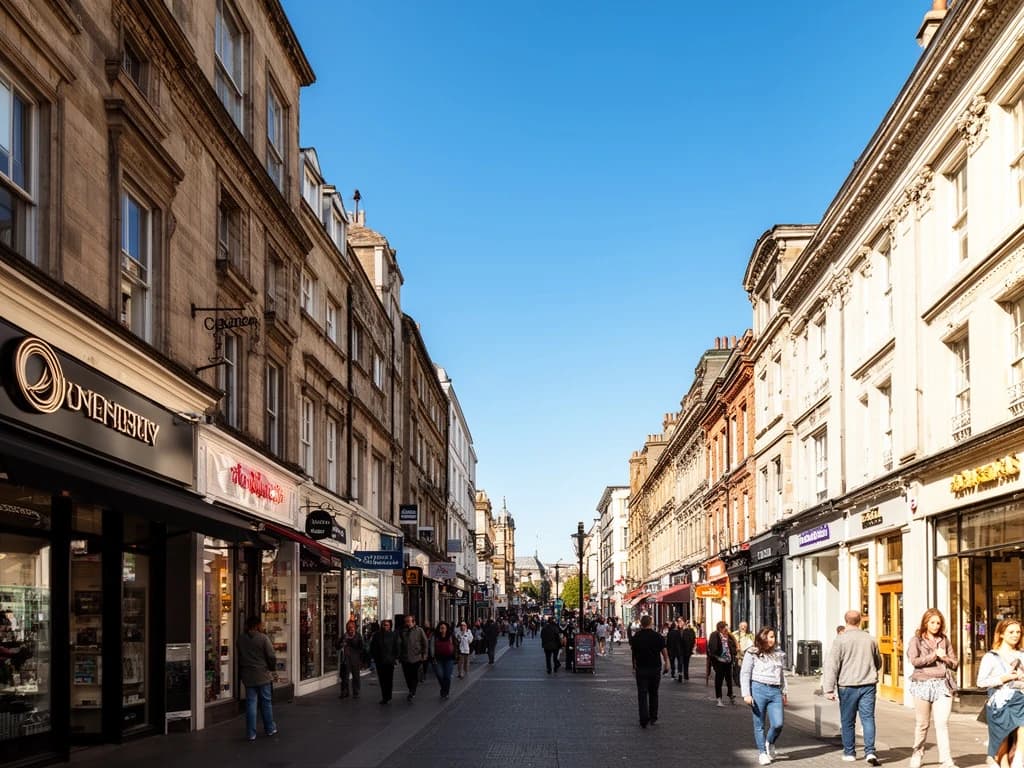 Before
Prompt:Transform into a neon cyberpunk night scene with glowing signs and wet streets
Everything You Need to Edit
Style Transfer
Turn a photo into anime, oil painting, 3D art, or any style with a single prompt.
Background Change
Swap or remove the background and place your subject anywhere you imagine.
Restore & Colorize
Repair scratches, sharpen details, and colorize old or damaged photos.
Multiple AI Models
Switch between Seedream, Nano Banana, Flux Kontext and more to match your edit.
HOW TO
How to Edit Images with AI
Upload Your Photo
Drag and drop or upload the image you want to transform. Any JPG, PNG, or WebP works.
Describe the Edit
Type what you want to change — a new style, background, or any creative edit. Pick a model and aspect ratio; Seedream 4.5 is selected by default.
Generate & Download
Hit generate and watch the edited image appear in seconds. Preview, compare, and download in full quality — no watermark.
FAQ
Image to Image AI FAQ
Start Editing with AI
Upload a photo and transform it in seconds — restyle, swap backgrounds, or restore old pictures. Free to start, no design skills required.
Free credits to start • Commercial use allowed • No watermark