AnimatePhotoAnimatePhoto

AI Image Upscaler

Enlarge any picture without losing quality. Upload a photo (or pick one of your creations), choose a quality tier and scale, and the AI rebuilds crisp detail at up to 8x the resolution — faces, text and textures included.

Your upscaled images
No images yet
Generated images will appear here

Before and after

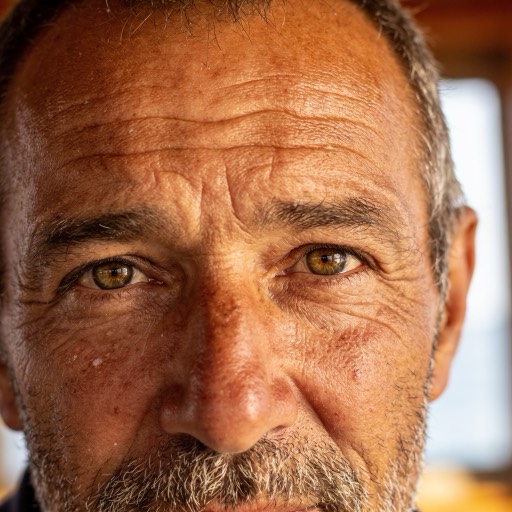
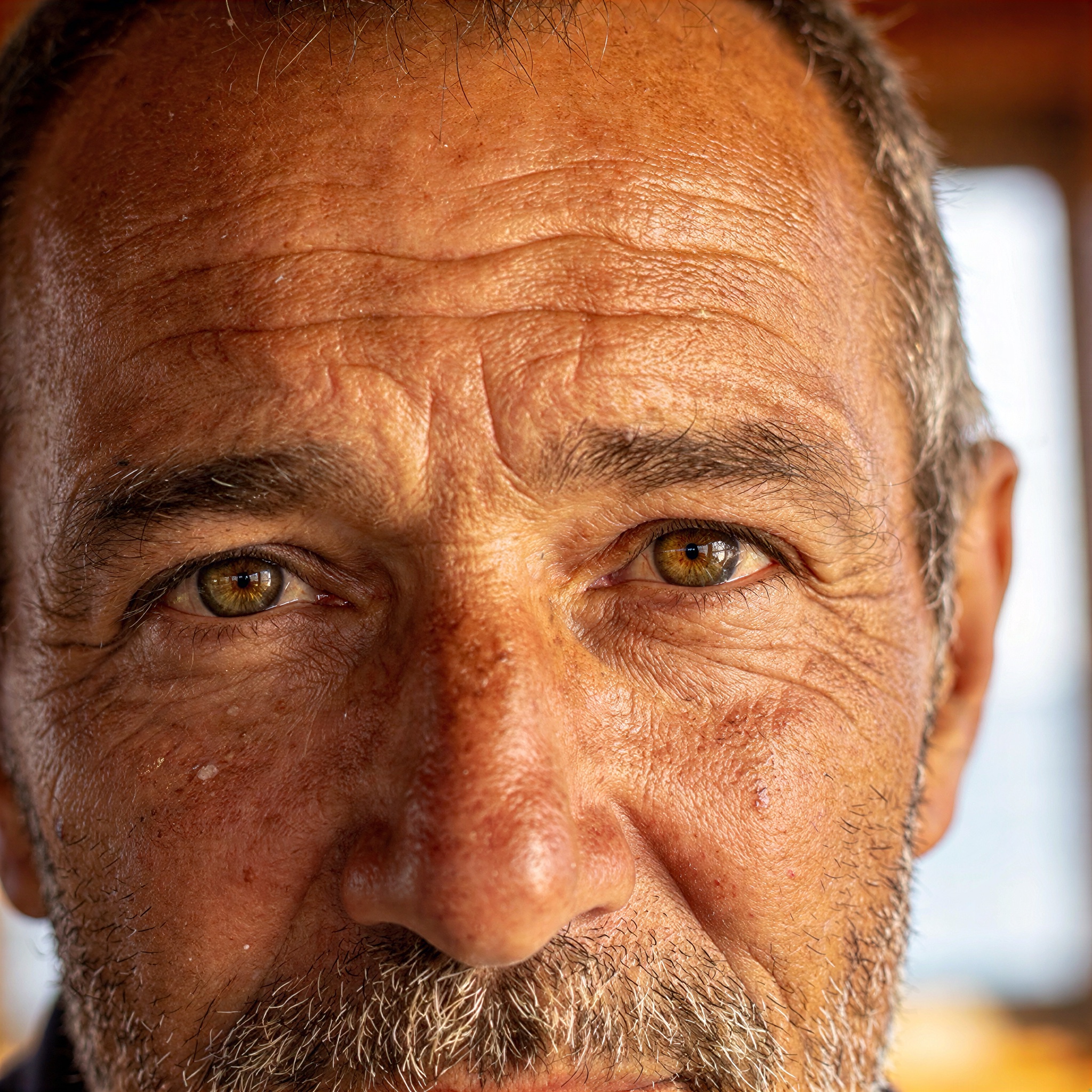
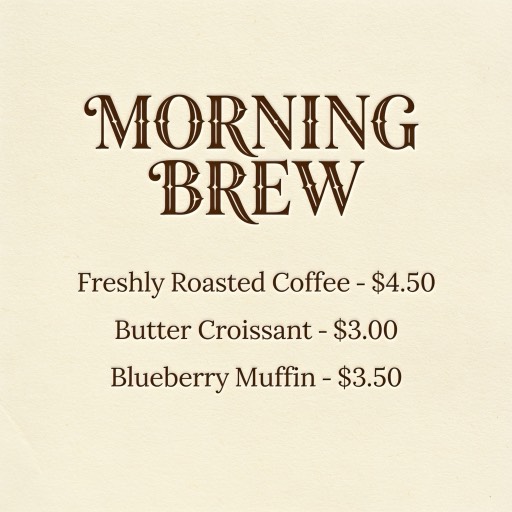
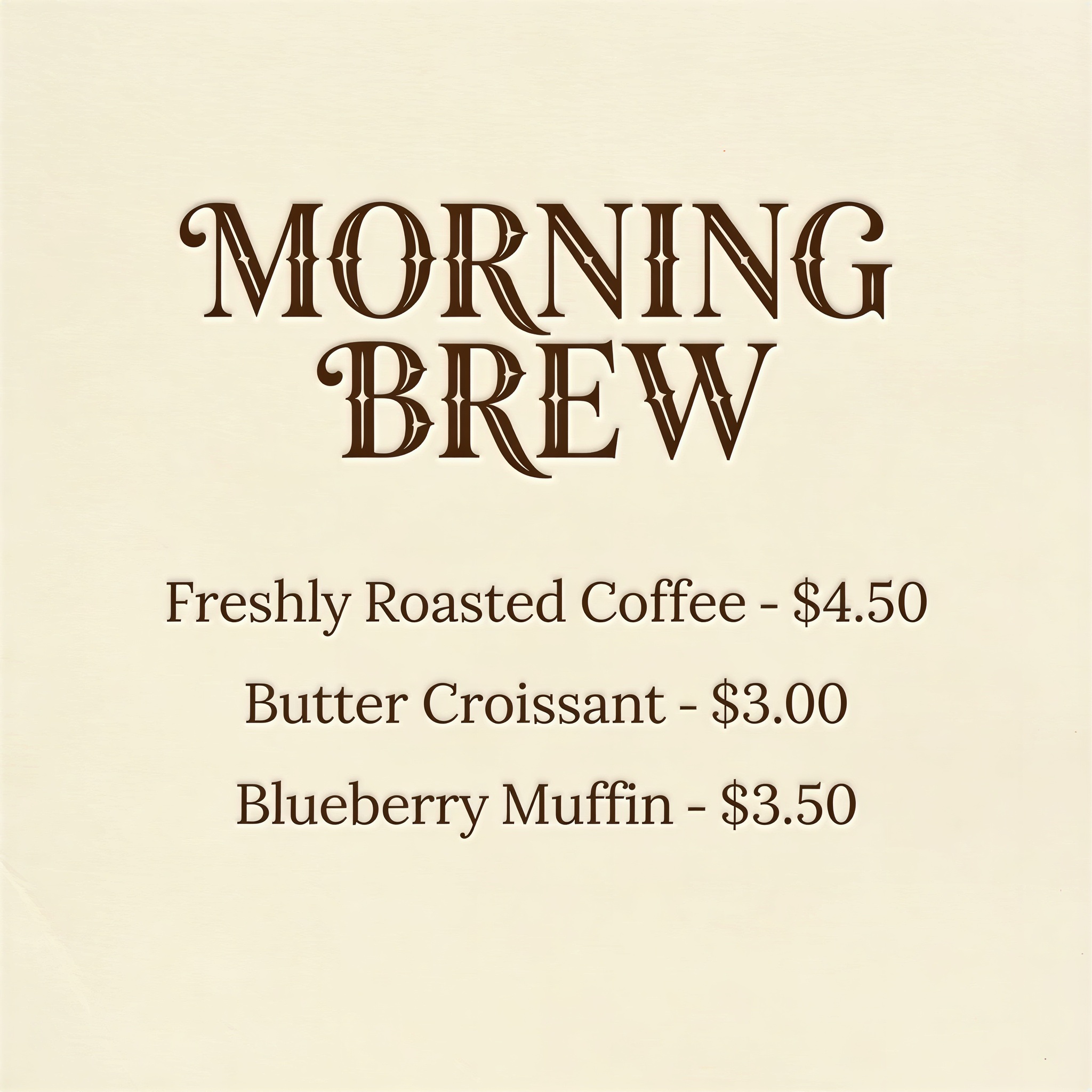
Real 4x results from this tool — drag the slider to compare the low-res original with the AI-upscaled image.

AI upscaled portrait photo — before
AI upscaled portrait photo — after
Portrait · 4xdrag to compare
AI upscaled poster with small text — before
AI upscaled poster with small text — after
Text & poster · 4xdrag to compare
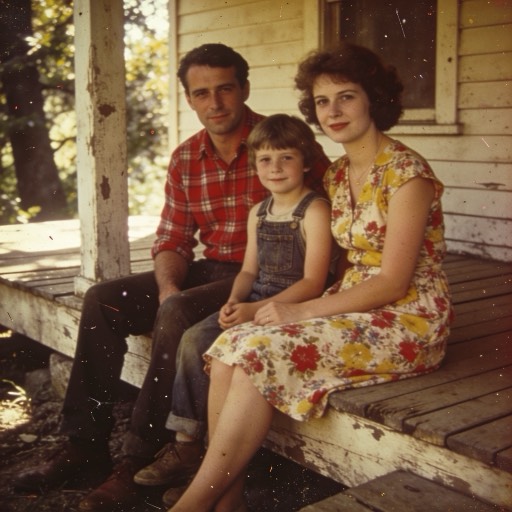
AI restored and upscaled vintage photo — before
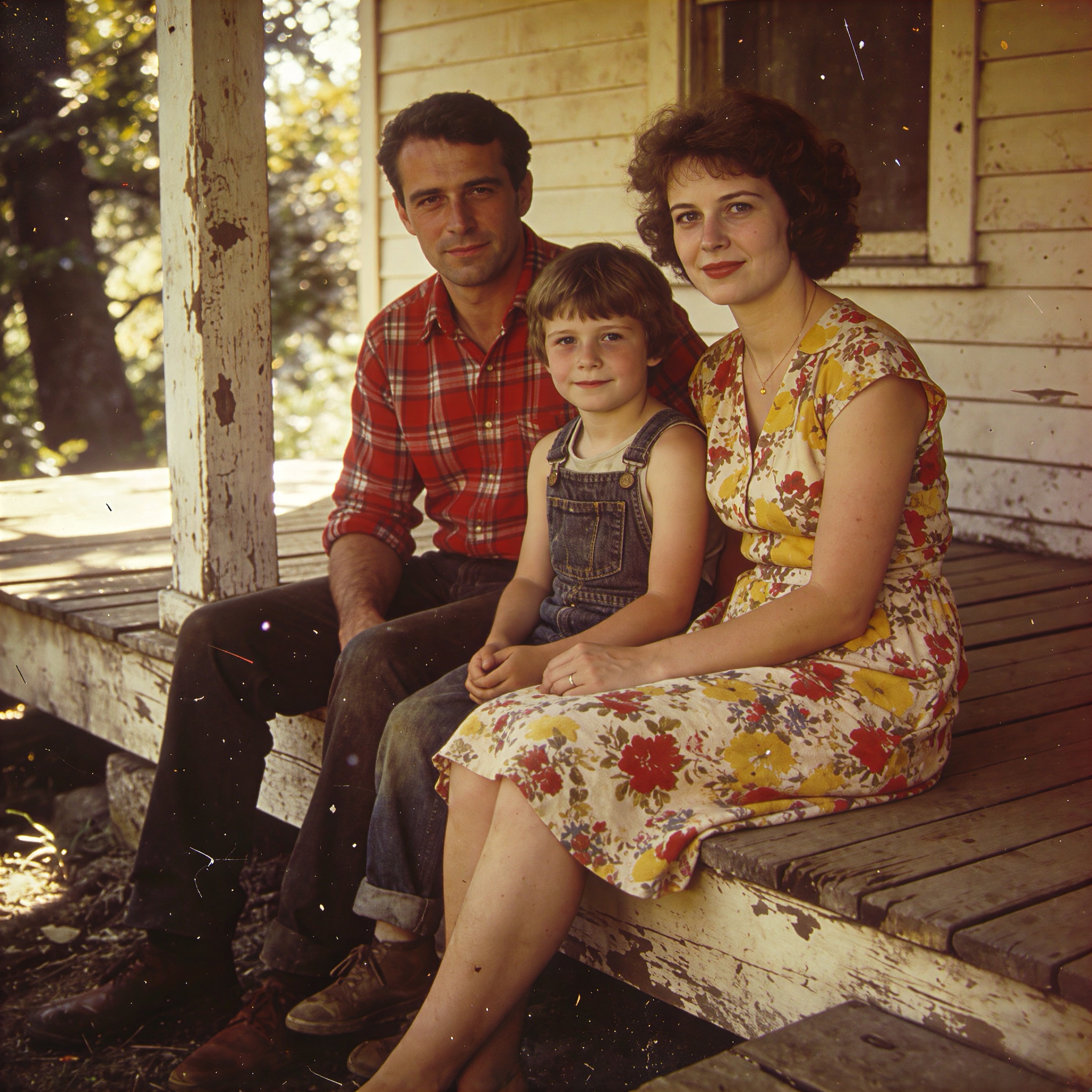
AI restored and upscaled vintage photo — after
Old photo · 4xdrag to compare
Use cases

What people upscale

Make AI art print-ready

Generated images come out around 1MP — upscale them 4x for posters, canvas prints and marketplace listings without visible pixels.

Rescue blurry and old photos

The Premium tier rebuilds detail that isn't in the file: scanned family photos, compressed downloads and screenshots come back sharp.

Zoom, crop, then enlarge

Cropped a small region out of a bigger shot? Upscale the crop back to a usable resolution for social posts and product close-ups.

PROCESS / N·03

How to upscale an image

  1. 01

    Upload or pick an image

    Drop in a JPG, PNG or WebP up to 30MB — or pick any image you've already generated on this site.

  2. 02

    Choose quality and scale

    Standard for quick 4x enlargements, Pro for up to 8x, Premium when the AI should reconstruct fine detail. The exact credit cost shows before you start.

  3. 03

    Upscale and download

    Most jobs finish in 5–30 seconds. Preview the result right on the page and download the full-resolution file.

FAQ / REEL NOTES

Frequently asked questions

Q01How much does an upscale cost?
Pricing scales with output size: Standard is a flat 2 credits per image, Pro is 1 credit per output megapixel, and Premium is 8 credits per megapixel. The exact cost is shown on the button before you confirm, and failed jobs are refunded automatically.
Q02What's the difference between the quality tiers?
Standard is a fast, faithful 4x enlargement. Pro reaches up to 8x and handles very large outputs at the lowest per-pixel price. Premium uses a generative model that rebuilds textures, faces and text — the best choice for blurry, compressed or old photos.
Q03How large can the output be?
Standard and Pro support outputs up to 128 megapixels (about 11000×11000), Premium up to 32 megapixels. If a combination of image size and scale would exceed the limit, the page disables that option.
Q04Does it work on AI-generated images?
Yes — that's one of its main jobs. You can pick any image from your creation history on this site with one click and enlarge it for printing or resale.
Q05Will upscaling change my image?
Standard and Pro stay faithful to the original and mainly sharpen real detail. Premium reconstructs missing detail, which can subtly reinterpret very blurry regions — that's what makes it so effective on low-quality sources.
Q06What formats can I upload and download?
Upload JPG, PNG or WebP up to 30MB. Results download as high-resolution JPG or PNG depending on the tier.
THE FINAL CUT

Upscale Your First Image Free

New accounts get free credits — enough to try every quality tier. Credits are refunded automatically if a job fails.

Free credits for new accounts · Credits refunded on failure