
AI Image Generator
Turn any idea into a striking visual. Type a prompt to generate images from scratch, or upload a photo and remix it with AI. One studio for text-to-image and image-to-image, powered by Seedream V5.
Made with the AI Image Generator
From photoreal portraits to fantasy art — every image below was created from a simple text prompt. Hover to see the prompt.

Prompt:A cinematic portrait of a young woman with freckles, soft window light, shallow depth of field

Prompt:A serene mountain lake at golden sunset, dramatic clouds, mirror reflection
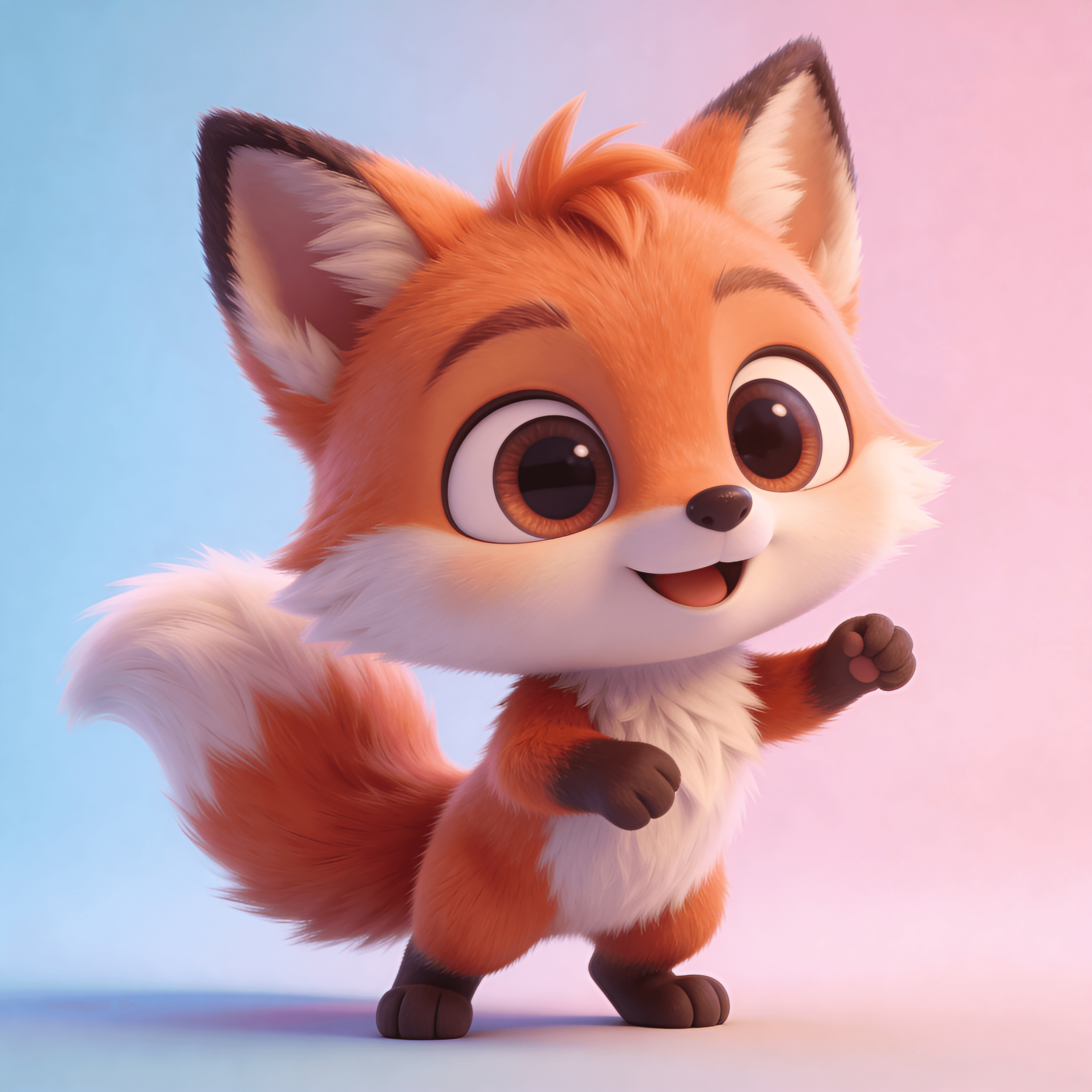
Prompt:A cute 3D cartoon fox character, big eyes, Pixar style render

Prompt:A luxury perfume bottle on marble with a water splash, commercial product shot

Prompt:A whimsical floating castle in the clouds, fantasy digital painting, vibrant colors
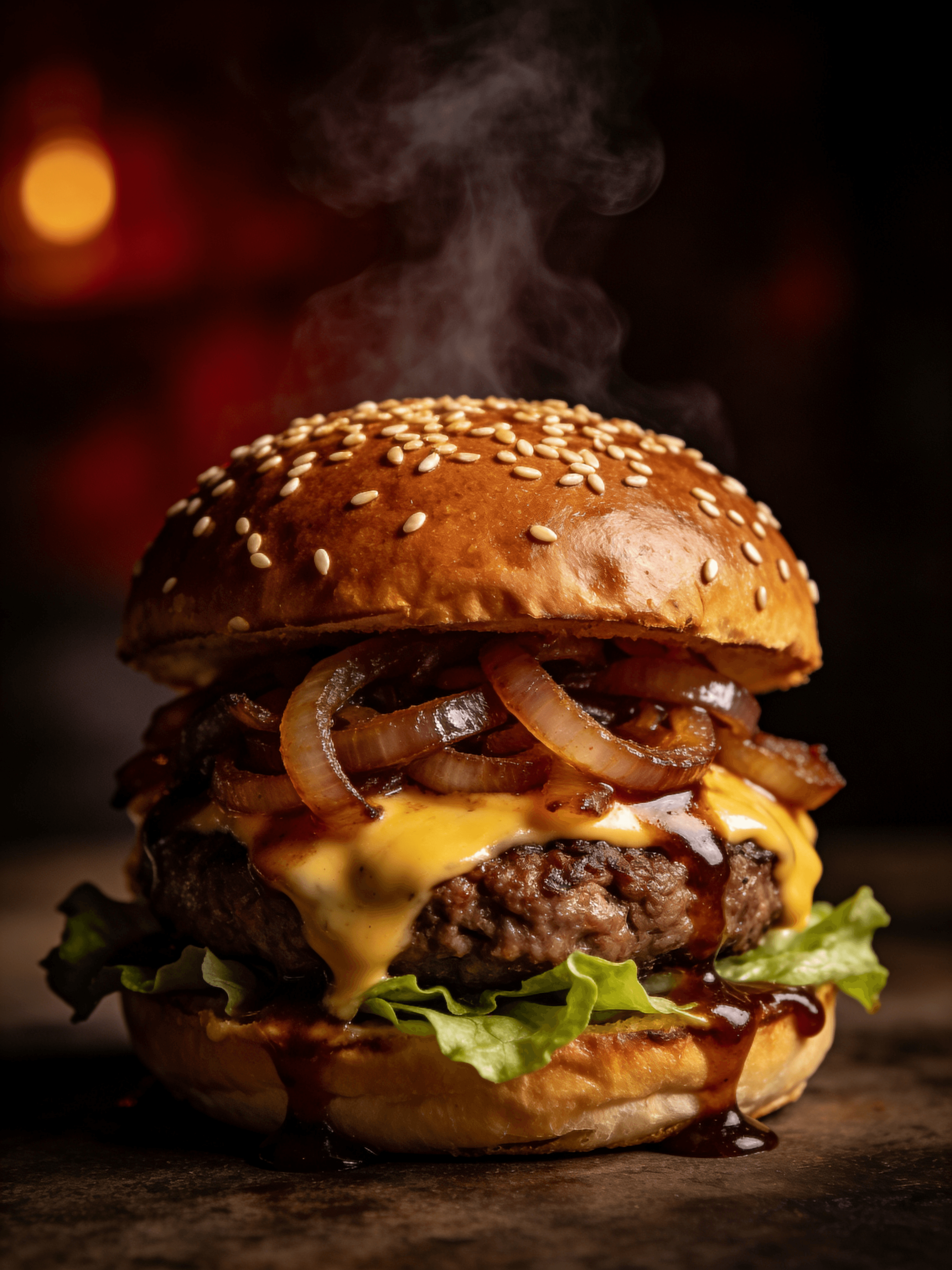
Prompt:A gourmet cheeseburger with melting cheese, dark moody food photography, steam rising
Everything You Need to Create
Text to Image
Turn any text prompt into a high-quality, original image in seconds.
Image to Image
Upload a photo and restyle, edit, or remix it with a prompt.
Multiple AI Models
Switch between Seedream, Nano Banana, FLUX and more to match your style.
High Resolution
Generate crisp, detailed images ready for social, print, and commercial use.
HOW TO
How to Generate AI Images
Describe or Upload
Type a detailed text prompt to create an image from scratch, or switch to image-to-image and upload a photo to transform.
Pick a Model & Size
Choose your model and aspect ratio. Seedream V5 is selected by default for sharp, high-resolution results.
Generate & Download
Hit generate and watch the AI image appear in seconds. Preview, reuse the prompt, and download in full quality — no watermark.
FAQ
AI Image Generator FAQ
Start Creating with AI
Generate eye-catching images from text or transform your photos in seconds. Free to start, no design skills required.
Free credits to start • Commercial use allowed • No watermark