
Reaction GIFs and stickers
Describe the reaction — an eye-roll, a slow clap, a cat losing it — and export it square for Discord, Slack or iMessage. No stock library, no watermark.
Make an animated GIF with AI from a photo or a text prompt. You get a 5-second clip, then export it as a looping GIF at the size you need — no watermark, no editor.
Every GIF below came out of this page's production path — Wan 2.2 Turbo at 480p, exported at the Medium preset — with nothing hand-edited. The caption is the exact prompt, or notes that a photo was animated with no prompt.
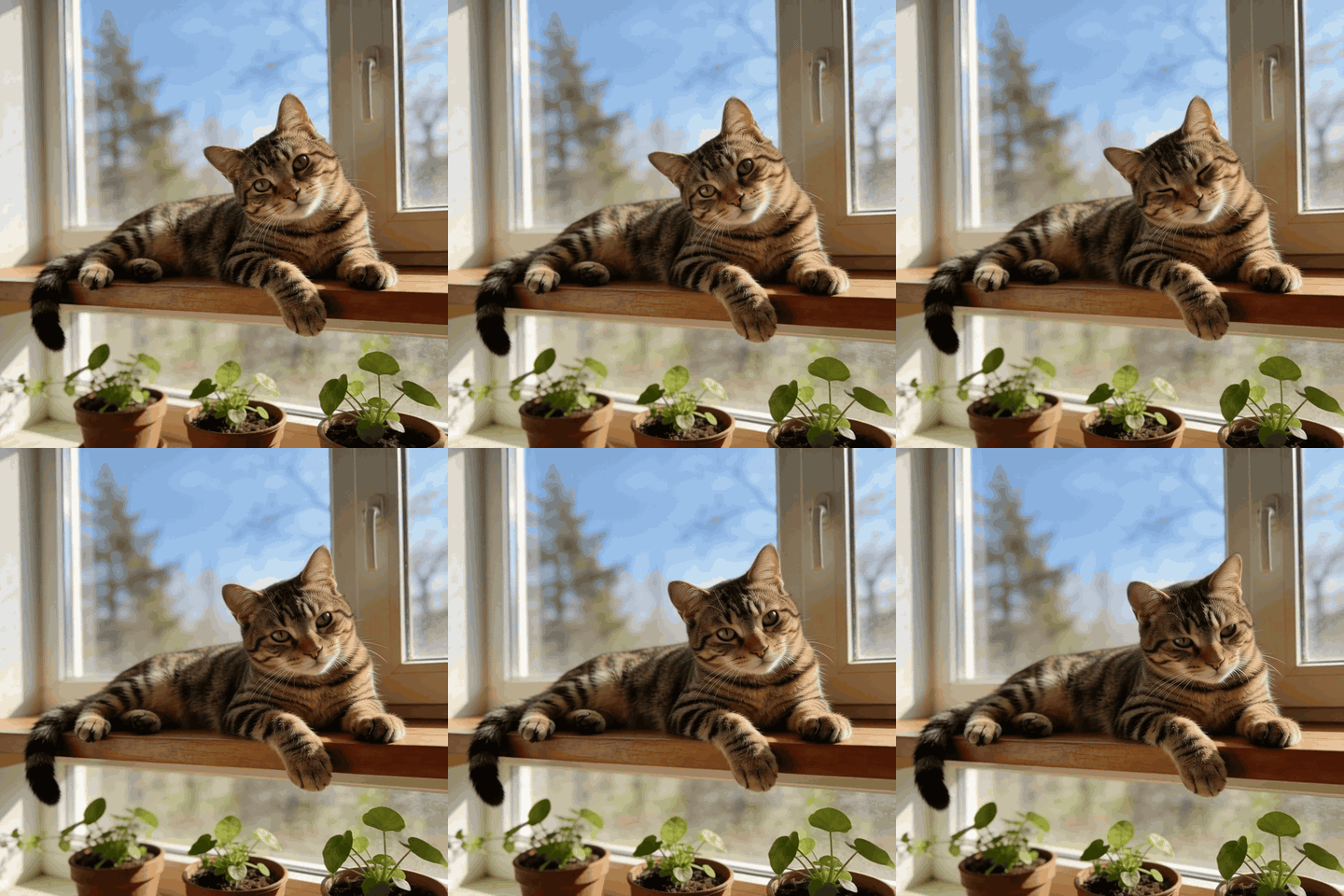
PromptNo prompt — a photo animated with the default motion.

PromptThe person slowly turns their head to look directly at the camera and breaks into a warm, natural smile.
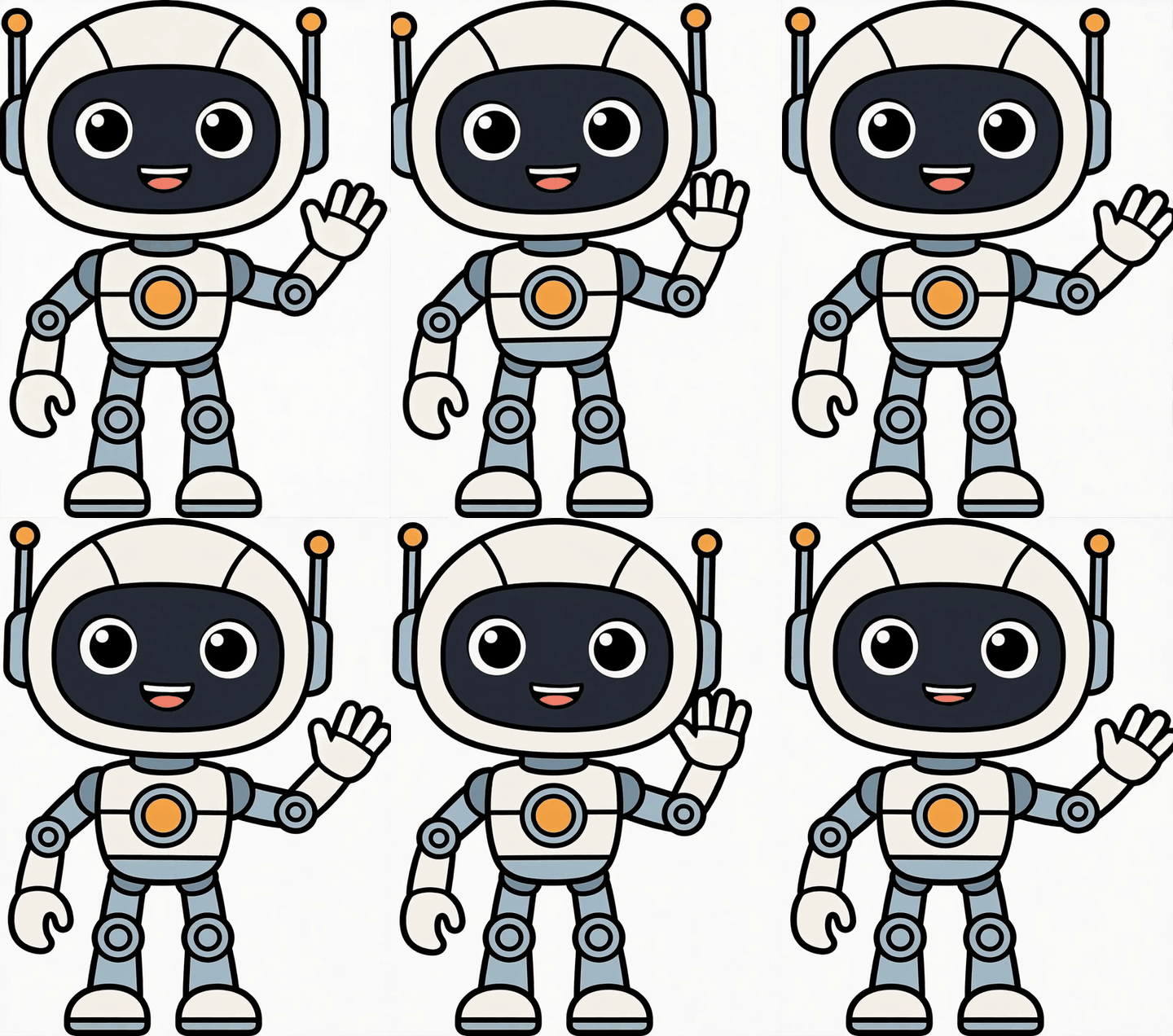
PromptThe robot mascot waves its hand and bobs happily, flat cartoon style unchanged, static camera.

PromptSteam rises gently from the coffee cup, soft morning light flickers, everything else stays still.

PromptA fluffy orange cat typing furiously on a laptop keyboard, paws hammering the keys, slightly annoyed face, cozy desk, close-up, loopable.

PromptA man in a suit doing a sarcastic slow clap, deadpan expression, office background, medium shot, static camera.
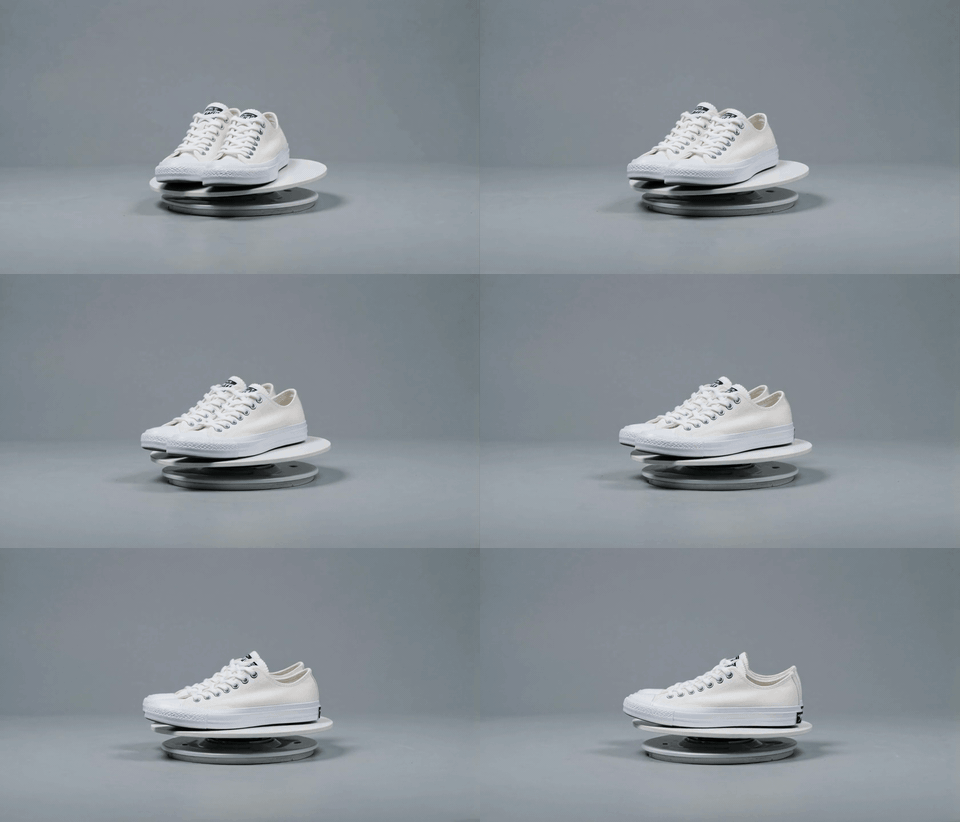
PromptA plain white unbranded canvas sneaker slowly rotating on a turntable, no logos, studio lighting, clean grey background, product shot, seamless loop.
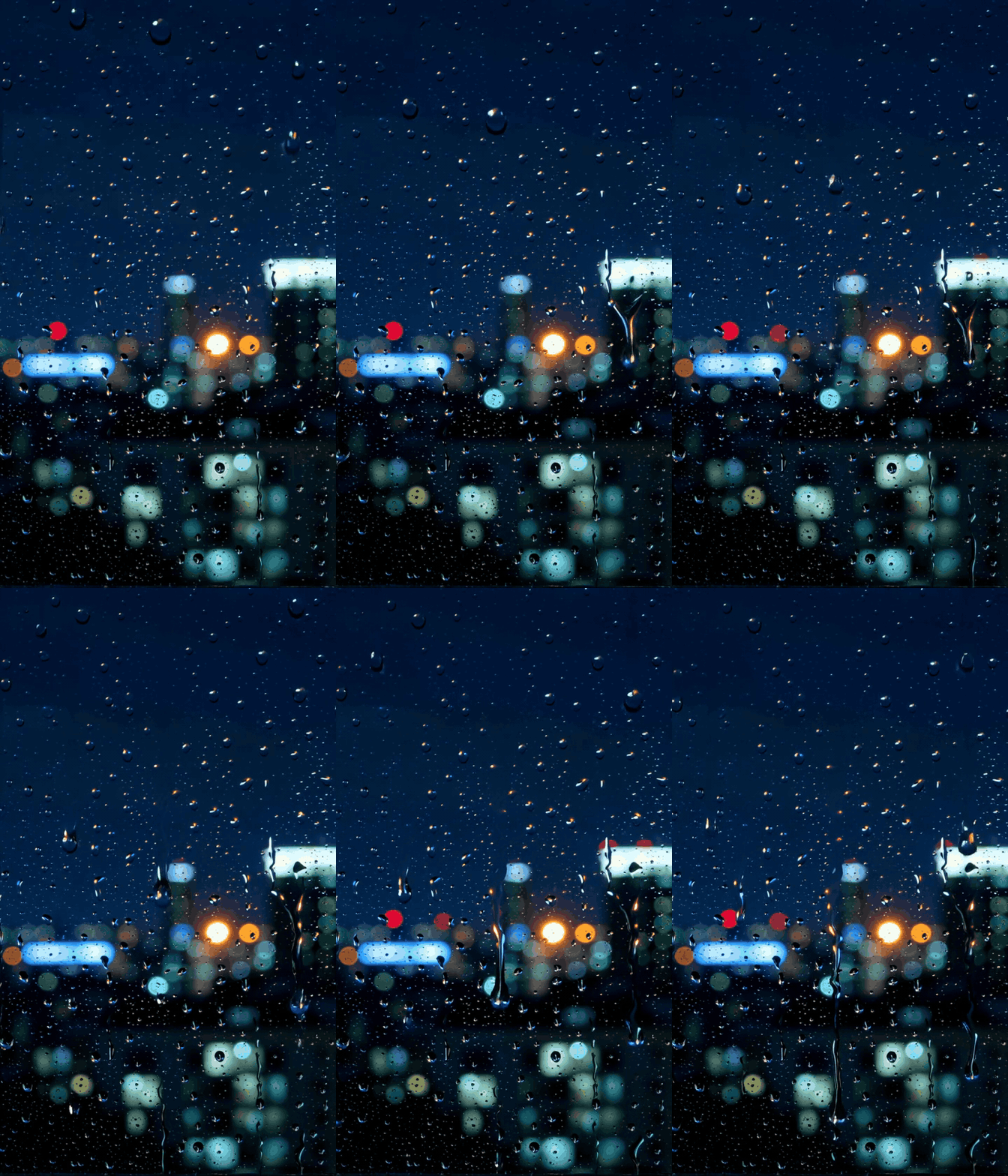
PromptRaindrops running down a window at night, blurred city lights bokeh behind, calm and moody, vertical, loopable.
Describe the reaction — an eye-roll, a slow clap, a cat losing it — and export it square for Discord, Slack or iMessage. No stock library, no watermark.
A pet, a portrait, an old family photo: upload it, pick a motion chip and get a short loop you can drop into a chat or a story.
A steaming cup, a spinning sneaker, a logo on a desk — a 5-second loop reads as motion in feeds and emails without a video player.
Photo to GIF animates your own picture; Text to GIF invents the scene. Pick landscape or vertical for text — square is a one-tap crop at export.
Wan 2.2 Turbo renders a 5-second clip in about 15 seconds. Credits are refunded automatically if a render fails.
The clip turns into a GIF on its own when it finishes. Download it, or tap Size for Small / HD and a square sticker crop. Conversion happens in your browser and is free — the MP4 stays downloadable too.
Where this tool is the right pick — and where it isn't. If you already have footage, or a burst of photos to flip through, the free converters are the better route.
| AI GIF generator (this tool) | Photo-stack GIF makers | Video to GIF converter | |
|---|---|---|---|
| What you start with | One photo, or just a text prompt | Several photos, shown one after another | A video you already recorded |
| Motion | Generated — the subject actually moves | A slideshow: frames swap, nothing moves | Whatever your footage contains |
| Cost | Credits per clip; the GIF export itself is free | Usually free | Free — ours runs in the browser |
| Best for | Reactions, stickers and loops you can't film | Flip-book GIFs from a photo burst | Turning a clip you have into a shareable GIF |
Convert a clip you already have, cut the background out of a GIF, or animate a photo into a full video.
Upload a photo or describe a scene, generate a 5-second clip and export it as a looping GIF. GIF conversion is free; failed renders are refunded.
Free credits for new accounts · GIF export is free