
A custom emoji set for your server
Turn your community mascot into six reactions with the same face, outline and colors. Every Discord server gets 50 custom emoji slots, plus 50 animated ones with Nitro.
Turn a photo or a short description into an animated emoji with a transparent background, ready for Discord, Slack and Twitch. Make one emoji, or a matching set of six from the same character.
Every emoji below came out of this page's production path in one try, nothing retouched. The caption is the exact description, or the photo it started from, so you can reproduce it.
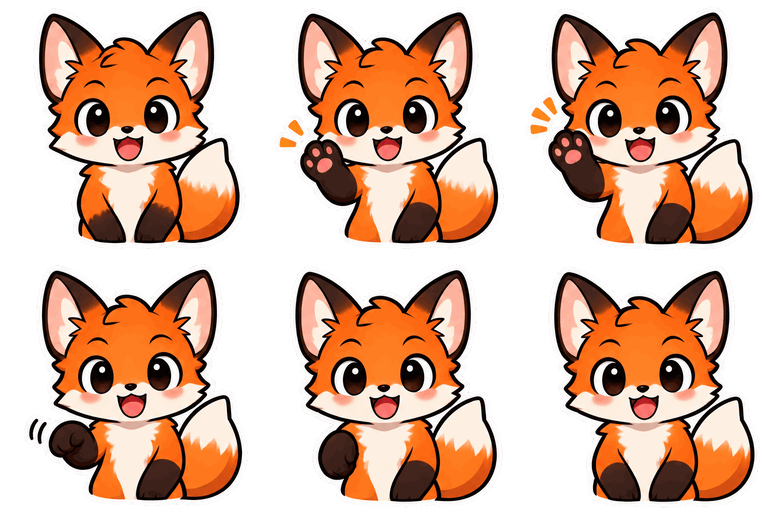
Text · Chibi sticker · Wave
“an orange fox mascot with a fluffy white-tipped tail”
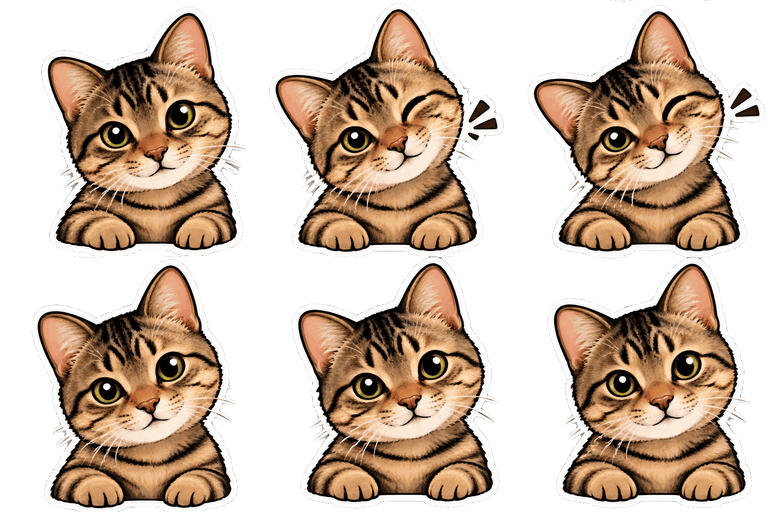
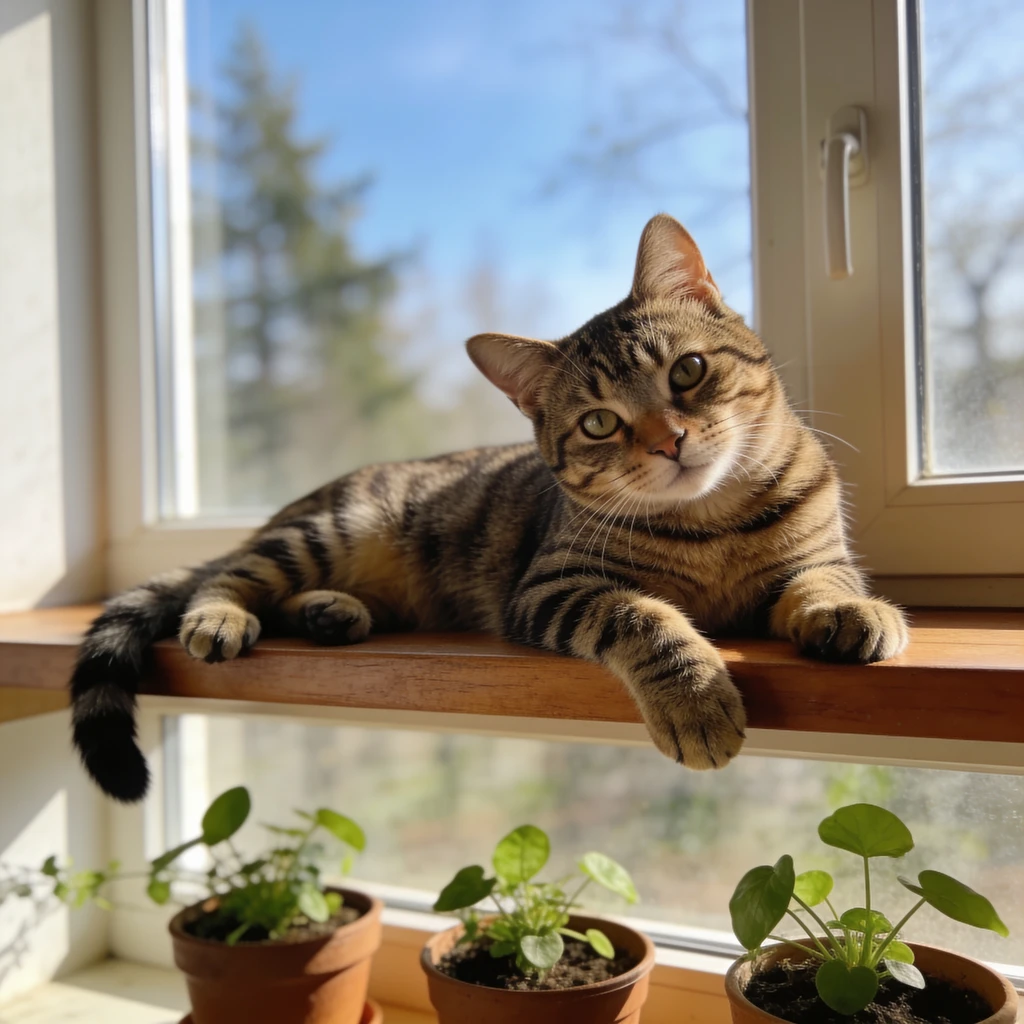
Photo · Chibi sticker · Wink
From the photo in the corner, no extra instructions.
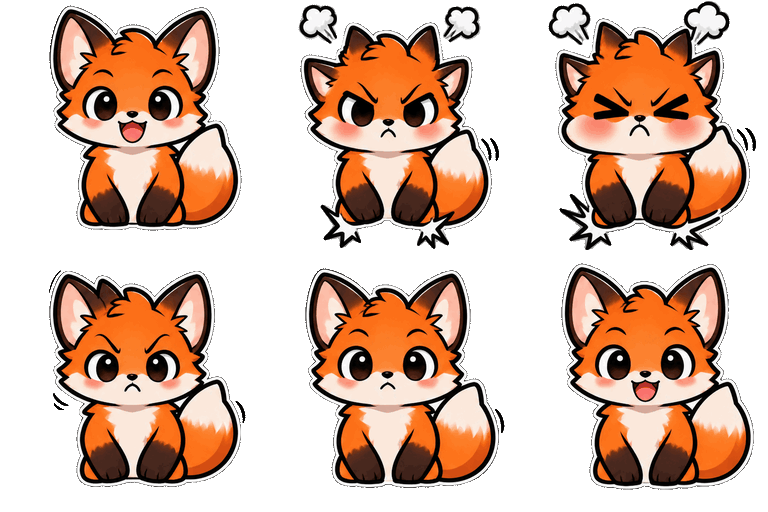
Pack · Chibi sticker · Angry
Pack mood — same fox, generated from the wave emoji's first frame.
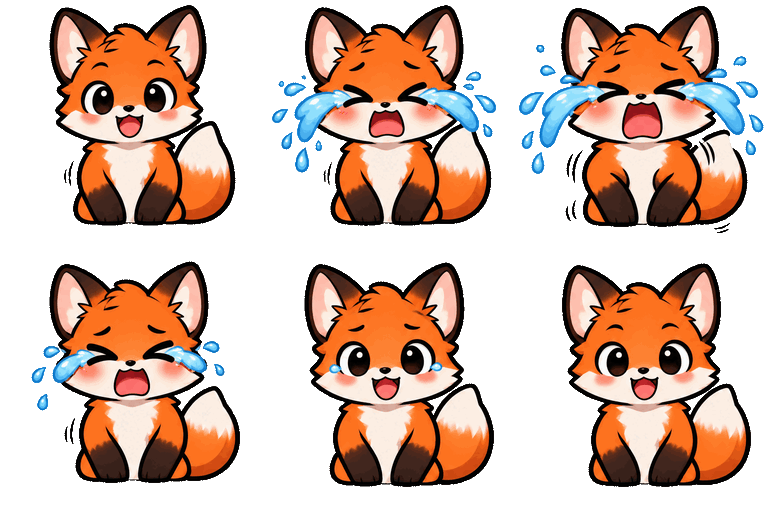
Pack · Chibi sticker · Cry
Pack mood — same fox, generated from the wave emoji's first frame.
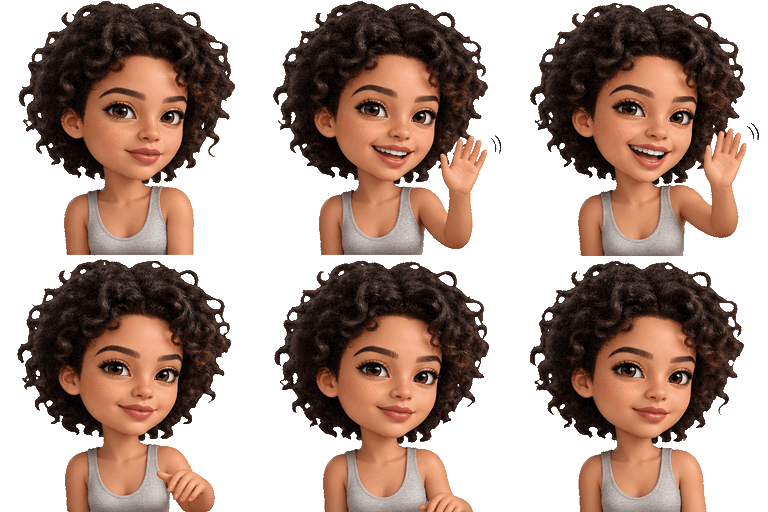
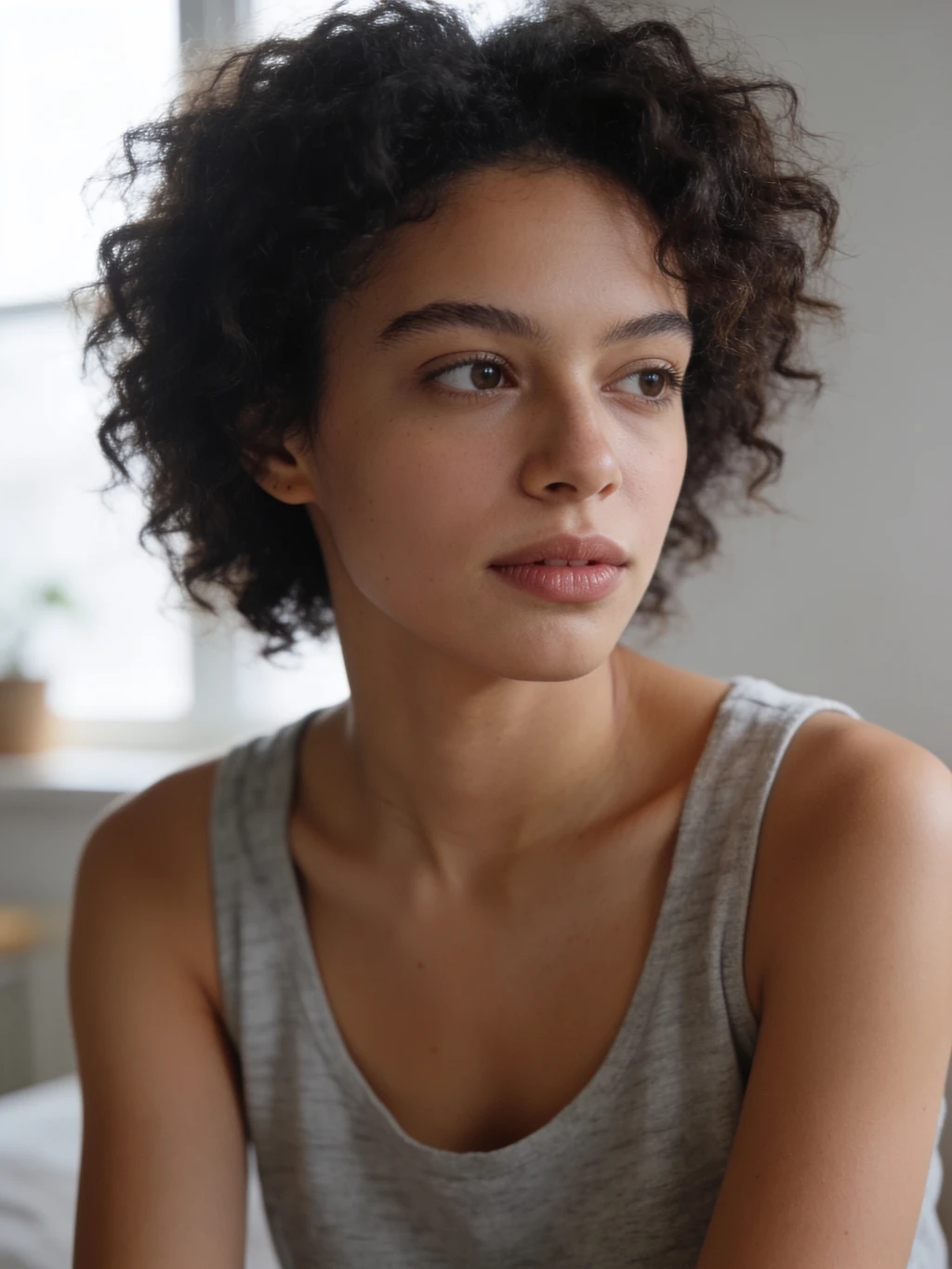
Photo · 3D toy · Wave
From the photo in the corner, no extra instructions.
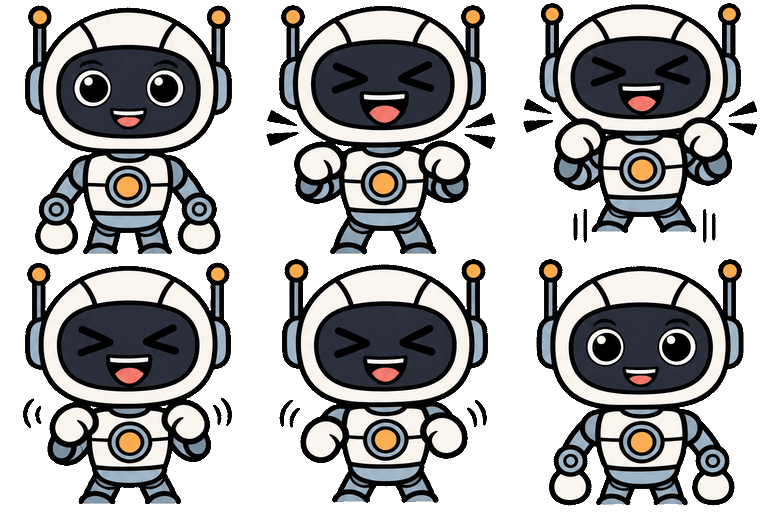
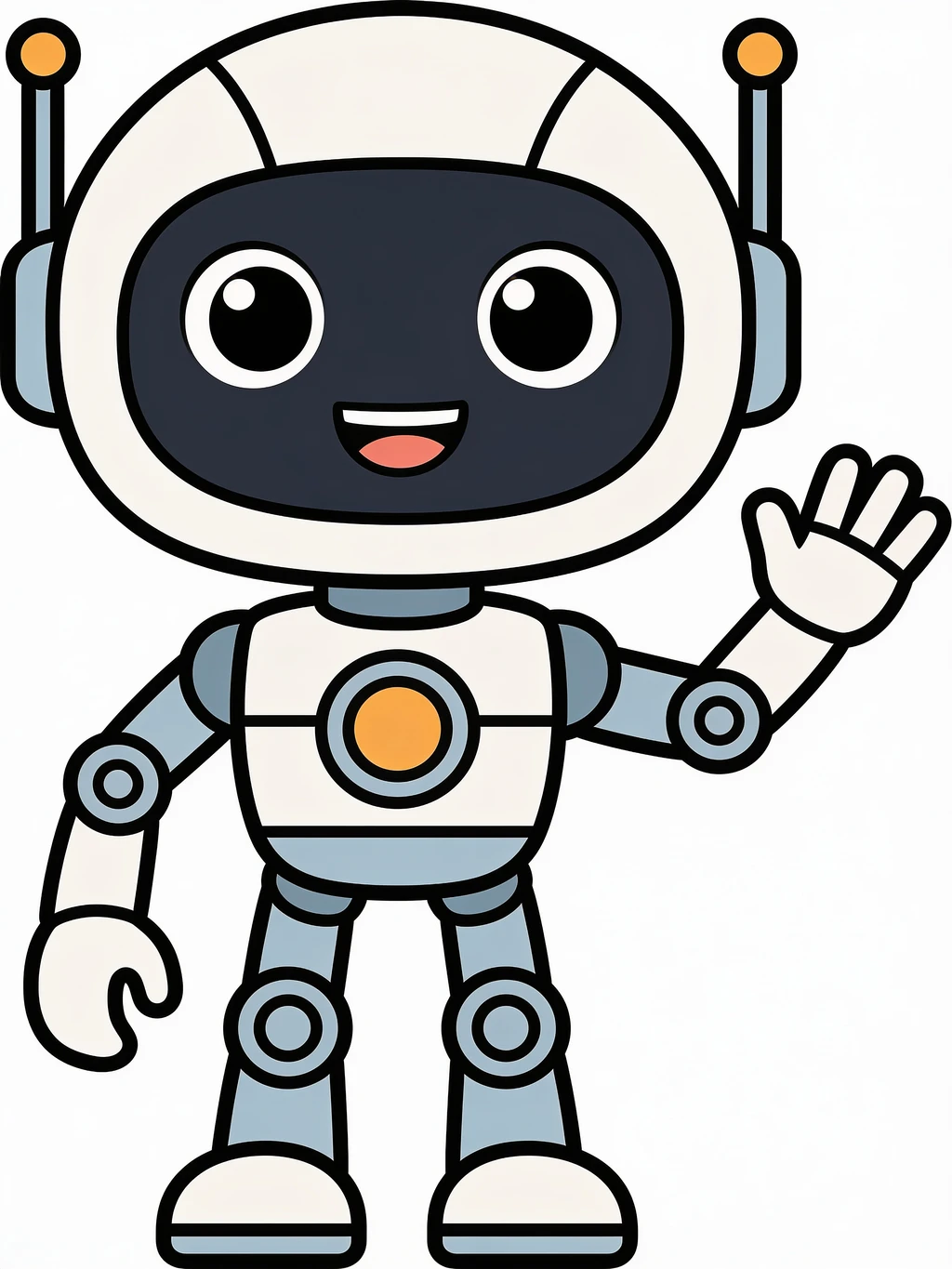
Photo · Keep original · Laugh
From the photo in the corner, no extra instructions.
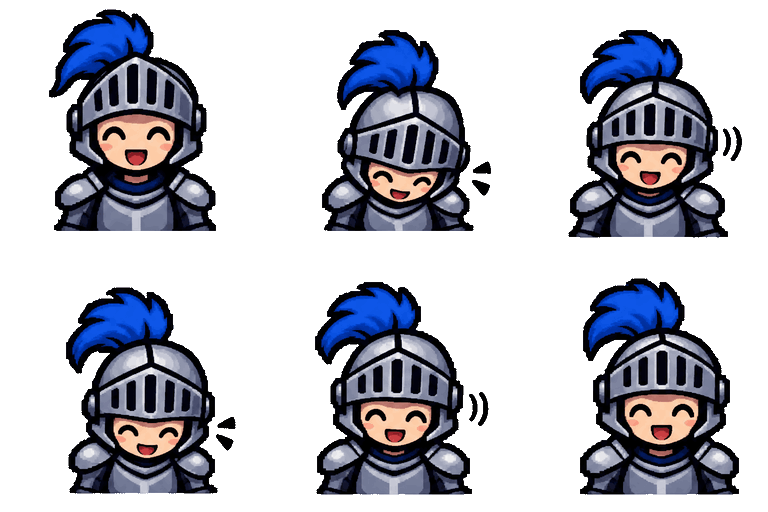
Text · Pixel art · Nod
“a small knight in silver armor with a blue plume”
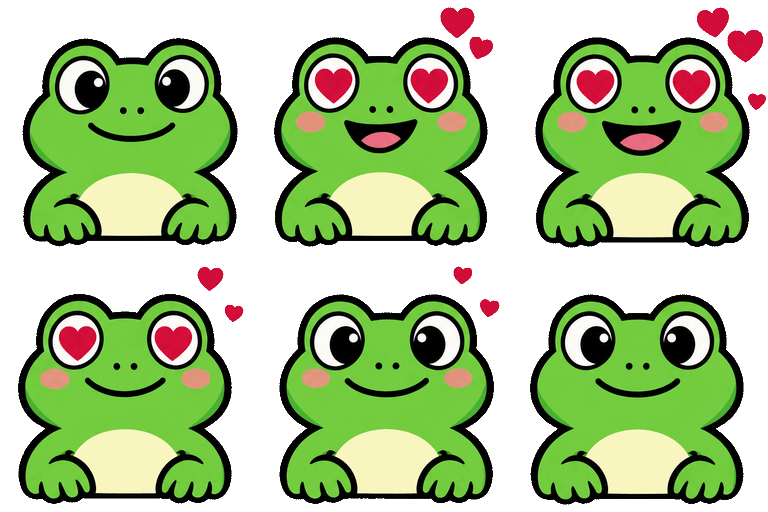
Text · Flat icon · Love
“a round green frog”
Upload limits for animated emojis on each platform, and what our exports actually weigh. Every export fits with room to spare.
| Platform | Size (px) | Max file | Animated format | Our 9-frame export |
|---|---|---|---|---|
| Discord emoji | 128 × 128 | 256 KB | GIF (WebP also accepted) | ✓ 40–90 KB |
| Slack emoji | 128 × 128 | 128 KB · 50 frames | GIF, square works best | ✓ 40–90 KB |
| Twitch emote (manual upload) | 112 · 56 · 28 | 512 KB · 60 frames | GIF, one file per size | ✓ 36–73 KB (112 px) |
Limits from the Discord, Slack and Twitch help centers, checked November 2026. Twitch's auto-resize mode also takes one GIF up to 1 MB.
Turn your community mascot into six reactions with the same face, outline and colors. Every Discord server gets 50 custom emoji slots, plus 50 animated ones with Nitro.
Upload one photo of your cat or dog and get a sticker-style emoji that keeps its markings — then make it wave, wink or nod.
Turn your avatar or a description into an animated emote and export it at 112, 56 and 28 px in one ZIP, ready for Twitch's manual upload.
A waving company mascot, a laughing teammate avatar: small loops that still read at chat size and stay under Slack's 128 KB limit.
A pet, a selfie, a mascot or a drawing all work. No photo? Describe the character in a sentence on the Text to Emoji tab.
Wave, laugh, cry, wink… one emoji takes about 20 seconds. Choose Pack of 6 to get six moods of the same character.
Choose Discord, Slack or Twitch and download the right sizes. On Discord, upload it under Server Settings › Emoji. Resizing runs in your browser and is free.
Where this tool is the right pick, and where it isn't. If you only need a shaking or spinning version of an image you already have, a free effect maker is faster.
| AI emoji generator (this tool) | Effect-based emote makers | Apple Genmoji | Hiring an artist | |
|---|---|---|---|---|
| Motion | The character really moves: waves, cries, winks | Template effects on a still image: shake, spin, bounce | Still image | Anything you brief |
| Start from | A photo or a sentence | An image you already have | A sentence or a photo from your library | A brief and references |
| Use on Discord / Twitch | Yes, exported at each platform's size | Yes | Made for Apple's apps; not sized for Discord or Twitch | Yes |
| Cost | 24 credits each, 119 for a pack of 6 | Usually free | Free on supported Apple devices | Paid per emote; rates vary by artist |
| Best for | Your own character, animated, in a matching set | Quick animated versions of an existing image | Personal texting on iPhone | A signature, hand-drawn brand set |
Animate a full photo, cut the background out of any GIF, or turn a clip into a GIF.
Upload a photo or describe a character, pick a motion and export it for Discord, Slack or Twitch. Failed generations are refunded.
50 free credits for new accounts · export is free